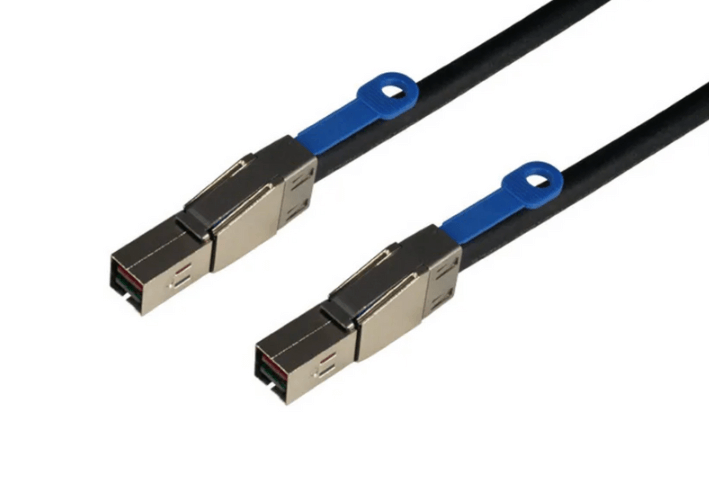
PCIe Bifurcation Using OCulink 8x to Dual 4x Cables
PCIe bifurcation enables a single high-lane interface to be divided into multiple lower-lane links, allowing more devices to connect without increasing physical slot count. OCulink 8x to dual 4x cables are designed to support this approach by splitting one PCIe x8 connection into two independent x4 paths. These assemblies are commonly used in servers, storage platforms, and compact systems where efficient lane allocation and high-speed connectivity are required.
Understanding PCIe Bifurcation
PCIe bifurcation is a system-level feature that allows a root complex to divide a multi-lane interface into smaller logical links. For example, an x8 interface can be configured as two x4 links, each capable of supporting an independent device.
This functionality is controlled by the motherboard and must be enabled through BIOS or firmware settings. The cable does not perform any active switching or signal processing. Instead, it provides a direct electrical path that maps specific lanes from the host connector to separate endpoints.
This approach allows designers to increase device density while maintaining native PCIe performance characteristics.
OCulink Interface and Breakout Design
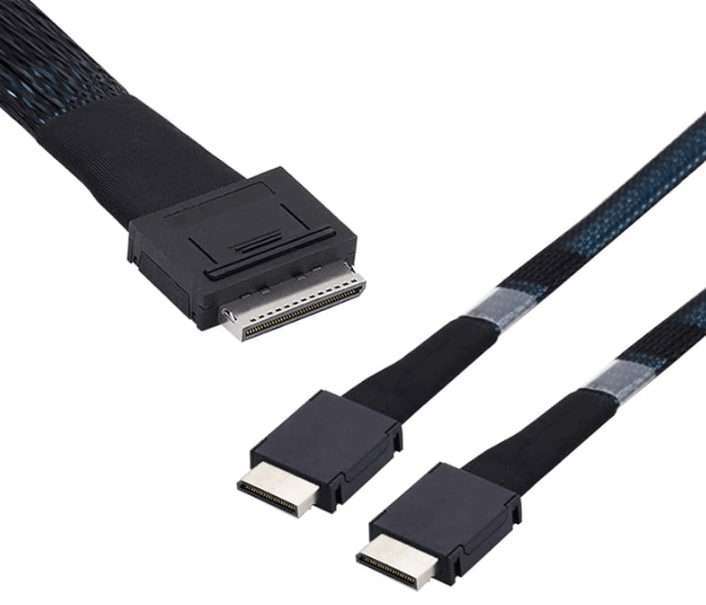
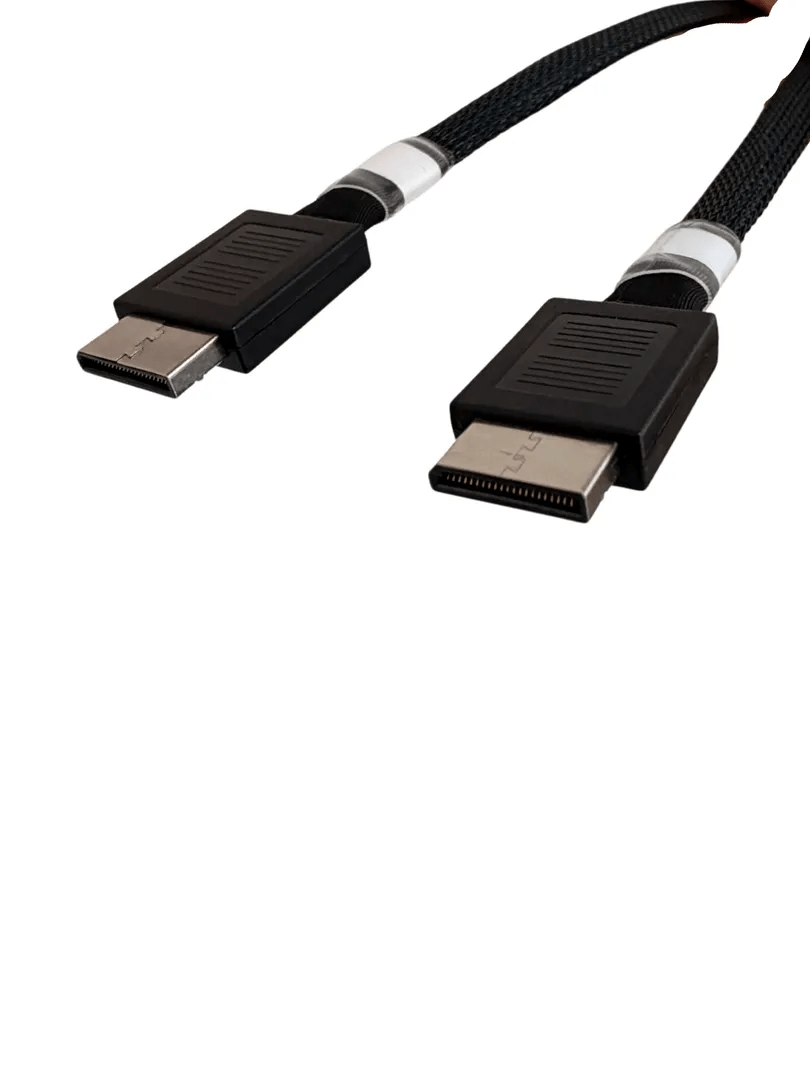
The OCulink interface, based on the SFF-8611 specification, provides a compact connector format for internal PCIe connectivity. In an 8-lane configuration, all PCIe lanes are routed through a single connector.
A breakout cable separates these eight lanes into two groups of four. Each group is terminated in its own connector, enabling two devices to be connected simultaneously. The result is a dual x4 topology derived from a single x8 port.
Because the cable is passive, signal integrity and lane mapping depend entirely on proper system design and configuration.
Signal Integrity and Electrical Considerations
At PCIe Gen4 and Gen5 data rates, signal integrity is a critical factor. High-speed differential signaling requires tight control over impedance, insertion loss, and crosstalk.
OCulink breakout cables are constructed with:
- Controlled impedance conductors
- Shielding to reduce electromagnetic interference
- Matched differential pairs to maintain signal balance
When splitting into two x4 links, both branches must maintain consistent electrical characteristics. Uneven routing or excessive bending can introduce signal degradation that impacts link stability.
To ensure optimal performance:
- Maintain proper bend radius
- Avoid twisting or compressing cable segments
- Keep routing paths as symmetrical as possible
These practices help preserve reliable communication across both links.
System Compatibility and Configuration
Successful deployment depends on platform support for PCIe bifurcation. Not all systems allow an x8 interface to be divided into dual x4 links, so compatibility must be verified before installation.
Typical requirements include:
- BIOS or firmware support for lane bifurcation
- OCulink ports designed for PCIe signaling
- Devices capable of operating on x4 PCIe links
Without correct configuration, the system may fail to detect one or both connected devices.
Use Cases in Modern Systems
OCulink 8x to dual 4x cables are used in a variety of scenarios where space and lane efficiency are important:
- Connecting multiple NVMe drives from a single PCIe interface
- Expanding storage capacity in compact server designs
- Supporting dual PCIe accelerators or controllers
- Enabling flexible hardware configurations in development environments
- Increasing device density in high-performance computing platforms
These use cases benefit from the ability to scale connectivity without redesigning the system architecture.
Installation and Layout Best Practices
Proper installation plays a significant role in maintaining both electrical and mechanical reliability. Cable routing should support airflow and avoid interference with other components.
Best practices include:
- Selecting appropriate cable lengths to minimize excess slack
- Ensuring connectors are fully seated and aligned
- Avoiding lateral stress on ports and connectors
- Keeping cables clear of heat sources and airflow paths
Careful planning of cable layout helps maintain consistent signal performance and extends the lifespan of both the cable and the system.
FAQ (Frequently Asked Questions)
1. Does an OCulink breakout cable perform PCIe bifurcation on its own?
No. Bifurcation is handled by the system firmware or BIOS, not by the cable.
2. Can both x4 links be used at the same time?
Yes. When properly configured, both links operate independently and simultaneously.
3. What PCIe generations are supported?
Support depends on the system and cable design, but most implementations target PCIe Gen4 and Gen5.
4. What happens if the system does not support bifurcation?
The system may fail to recognize connected devices or may only activate part of the link.