Why HD MiniSAS Cables Fail And How You Prevent It
HD MiniSAS cables are designed for enterprise environments, but they are still a common point of failure in storage systems. When they fail, the symptoms are often subtle at first, intermittent drive drops, RAID degradation, or unexplained performance issues. Most failures are not caused by the protocol or controller, but by mechanical stress, poor routing, heat, or low-quality components. Understanding these failure modes is the key to preventing repeat incidents.
Physical Stress and Improper handling
The most common cause of HD MiniSAS cable failure is mechanical stress.
Sharp bends, excessive pulling, or routing cables against metal edges can damage internal conductors or shielding. Stress near the connector overmold is especially dangerous, since this is where geometry changes and strain concentrates.
How to prevent it
-
Follow minimum bend radius guidelines, typically 10x the cable diameter
-
Route cables with gentle curves, especially near connectors
-
Use strain relief points rather than letting the cable hang from the port
-
Always disconnect using the latch or pull tab, not the cable body
Low-quality Cables and Poor Manufacturing
Not all HD MiniSAS cables are built to the same standard. Low-cost cables often use inferior shielding, inconsistent impedance control, or weak connector retention.
These cables may work initially but degrade quickly under thermal cycling or sustained load. At higher SAS or PCIe speeds, even small manufacturing defects can lead to instability.
How to prevent it
-
Use cables rated and tested for the target speed, such as SAS 3 or SAS 4
-
Choose suppliers that perform signal integrity and continuity testing
-
Avoid generic cables with vague or missing specifications
Excessive Electromagnetic Interference
HD MiniSAS cables rely on shielding to protect high-speed signals from noise. In dense servers, EMI from power cables, fans, or voltage regulators can overwhelm poorly shielded assemblies.
EMI related failures often present as intermittent errors that appear only under load.
How to prevent it
-
Route HD MiniSAS cables away from power harnesses and VRMs
-
Avoid long parallel runs alongside power cables
-
Use cables with proper shielding termination and grounding
-
Cross power cables at right angles when separation is not possible
Connector Damage and Mismatched Interfaces
Forcing connectors, misaligning ports, or confusing internal and external HD MiniSAS connectors can permanently damage pins or latch mechanisms.
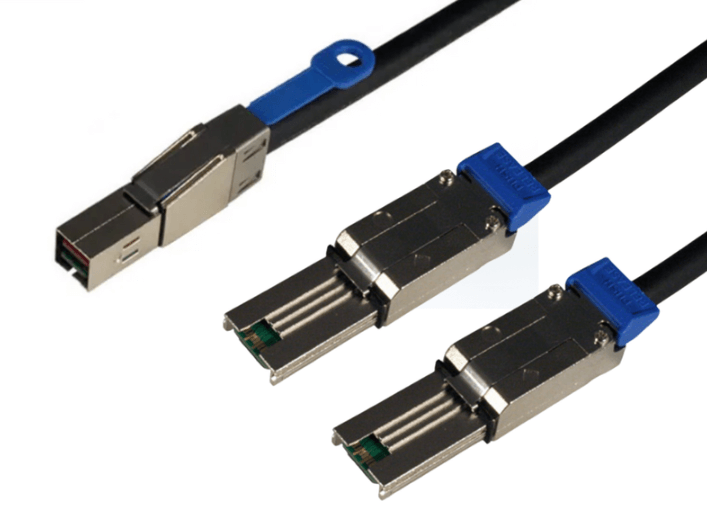
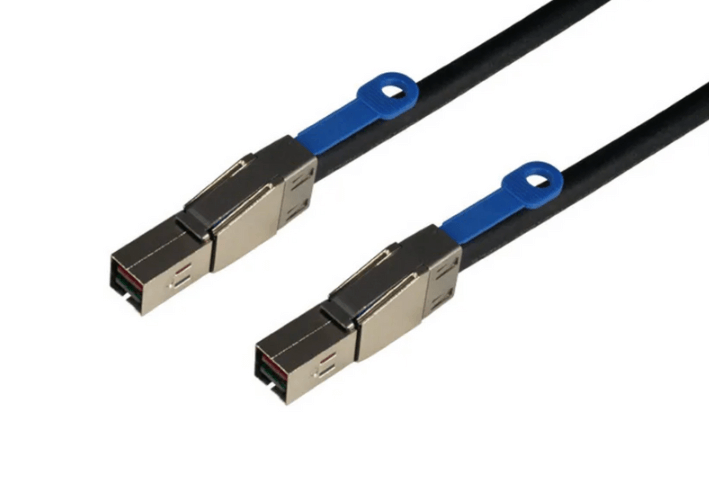
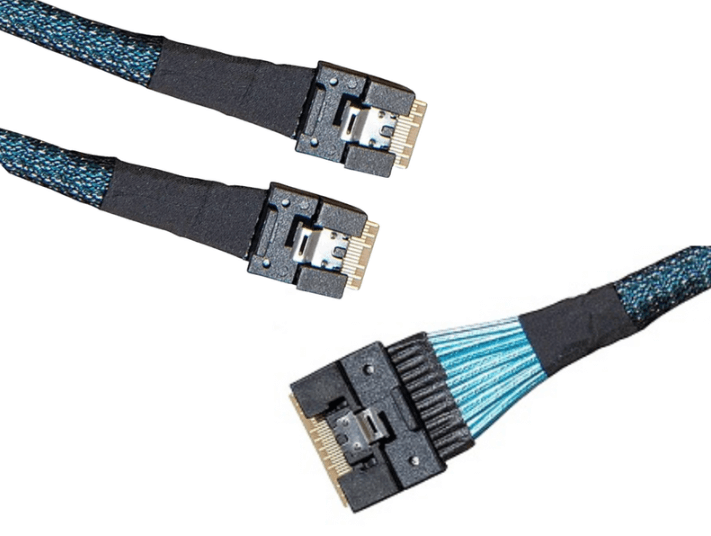
SFF-8643 and SFF-8644 are not interchangeable, even though they look similar. Damage at the connector often leads to unstable connections rather than complete failure.
How to prevent it
-
Verify connector type before installation
-
Align carefully and never force insertion
-
Inspect ports for bent pins or debris before reconnecting
-
Replace cables that show latch wear or loose engagement
Heat Exposure and Poor Airflow
Sustained heat accelerates insulation breakdown and increases resistance over time. HD MiniSAS cables routed directly over CPUs, heat sinks, or power supplies are especially vulnerable.
Thermal damage often causes failures after months of operation, not immediately.
How to prevent it
-
Route cables away from high-heat components
-
Preserve airflow paths through the chassis
-
Avoid bundling cables tightly in hot zones
-
Monitor temperatures near cable runs under load
Wear from Repeated Reconnection
In lab, test, or staging environments, cables may be connected and disconnected many times. Connector mating surfaces wear out, leading to intermittent contact.
This type of failure is common in systems that are frequently reconfigured.
How to prevent it
-
Minimize unnecessary reconnections
-
Use locking connectors where applicable
-
Track cable usage in test environments
-
Retire cables that have seen heavy handling
Poor Routing Practices Over Time
Even cables installed correctly at first can fail if routing degrades over time. Maintenance work, added hardware, or airflow modifications can introduce new stress points.
Cables that shift into fan paths or become pinched during upgrades often fail later.
How to prevent it
-
Recheck routing after hardware changes
-
Secure cables so they cannot drift into stress points
-
Label cables to reduce accidental rerouting during service
How HD MiniSAS Failures Usually Present
Common warning signs include:
-
Intermittent drive disconnects
-
RAID rebuilds without clear disk failure
-
Reduced link speed or retraining events
-
Storage controller error logs without hardware faults
Replacing the cable often resolves these issues immediately.
When to Replace Instead of Troubleshoot
Because cable failures are difficult to diagnose conclusively, replacement is often the fastest solution.
If a cable has been heavily bent, exposed to heat, or repeatedly handled, replacing it is safer than continued troubleshooting. The cost of a cable is small compared to the cost of downtime or data loss.
FAQ (Frequently Asked Questions)
Can HD MiniSAS cables fail without visible damage?
Yes. Internal conductor or shielding damage is often invisible.
Do cables really cause intermittent RAID failures?
Yes. Many RAID issues traced to drives are ultimately cable related.
Are internal and external HD MiniSAS equally failure-prone?
Both can fail, but external cables see more mechanical stress due to handling.
Should cables be replaced during major upgrades?
If cables are old or heavily handled, replacement is often wise.