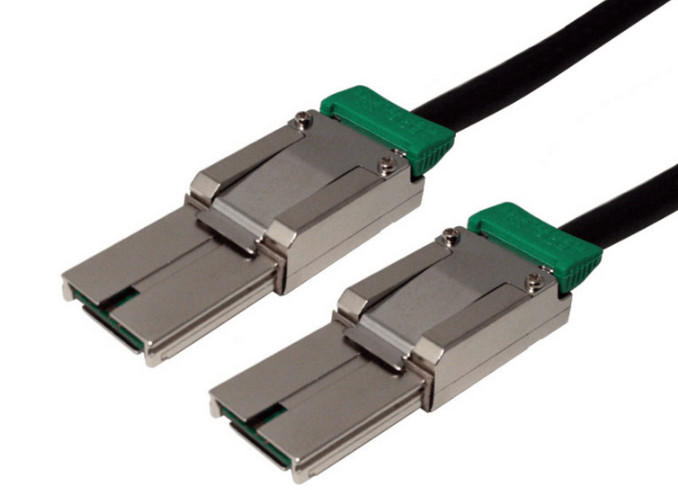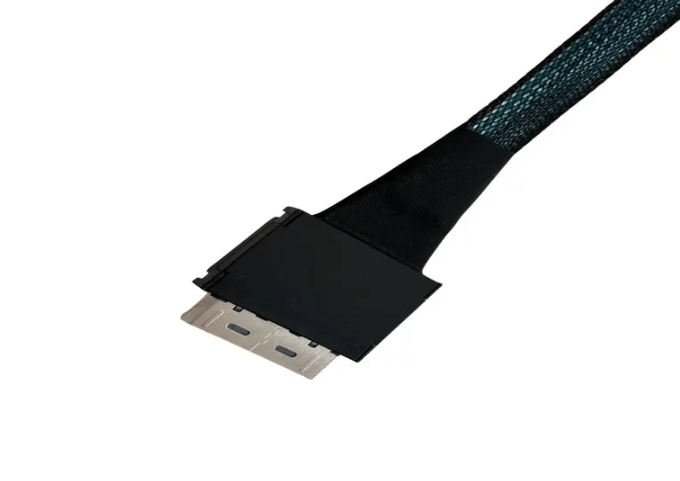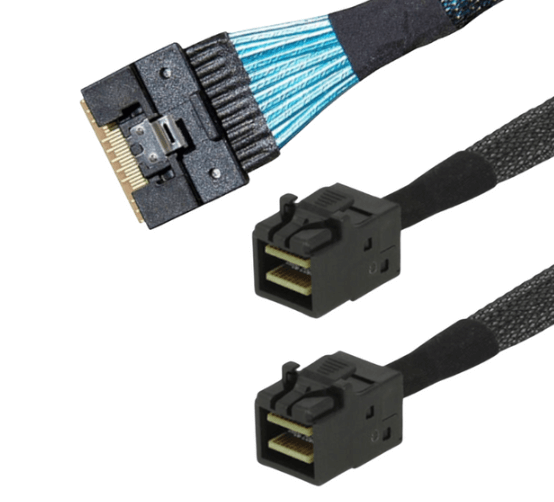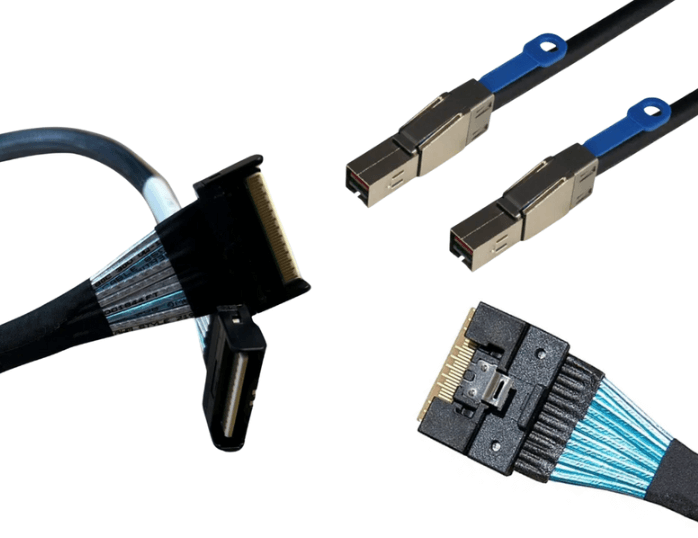
What HD MiniSAS Breakout Configurations Are Possible?
HD MiniSAS connectors are widely used because they offer a clean way to aggregate and redistribute high-speed lanes inside servers and storage systems. One of their biggest strengths is flexibility. A single HD MiniSAS port can be broken out into multiple downstream connections, as long as lane counts and protocols are respected. Understanding the available breakout configurations helps avoid incompatibility issues and allows more efficient use of controller ports.
What an HD MiniSAS Breakout Actually Does
An HD MiniSAS connector typically carries four high-speed lanes in each direction. A breakout cable does not create bandwidth. It simply redistributes those existing lanes into separate physical connectors.
Because of this, breakout options are constrained by:
-
The number of lanes available at the source
-
The signaling protocol in use, SAS, SATA, or PCIe
-
The electrical capabilities of the controller and backplane
Breakouts must always match both lane count and protocol expectations.
HD MiniSAS to 4x SATA
This is one of the most common and cost-effective breakout configurations.
A single HD MiniSAS port breaks out into four individual SATA connectors, each using one lane. This configuration is widely used to connect RAID cards or HBAs to SATA SSDs or HDDs.
Typical use cases include:
-
SATA based storage arrays
-
Cost sensitive server builds
-
Legacy systems transitioning from direct SATA cabling
This breakout only works when the controller supports SATA signaling over the MiniSAS port.
HD MiniSAS to 4x SAS Drive Connectors
Similar in structure to SATA breakouts, this configuration fans out to four SAS drive connectors, often with integrated power.
It is commonly used in enterprise environments with SAS hard drives or SAS SSDs, especially when connecting to internal drive cages.
Key characteristics include:
-
Full support for dual port SAS drives
-
Better fault tolerance than SATA
-
Compatibility with SAS expanders
The controller must support SAS signaling for this breakout.
HD MiniSAS to 4x U.2 (SFF-8639)
This breakout is used for NVMe based storage designs.
Each of the four lanes from the HD MiniSAS connector is routed to a separate U.2 NVMe drive, with each drive typically consuming four PCIe lanes. Because of this, true HD MiniSAS to 4x U.2 configurations require careful platform support and are less common than 1 to 2 NVMe breakouts.
More commonly, HD MiniSAS is used to connect to backplanes that handle the PCIe lane distribution internally.
Important considerations include:
-
Controller must support PCIe or NVMe signaling
-
Lane mapping must be explicitly supported by the platform
-
Cable quality and length are critical for signal integrity
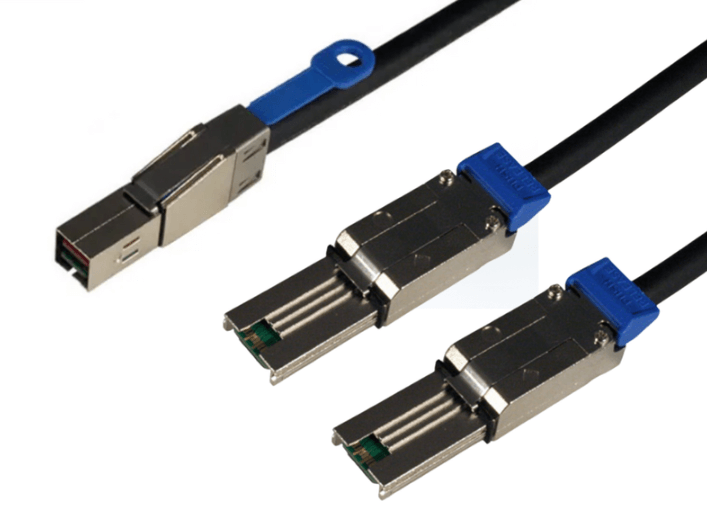
HD MiniSAS to 2x HD MiniSAS
In this configuration, a single HD MiniSAS port fans out into two HD MiniSAS connectors, each carrying two lanes.
This is often used when connecting a controller to two smaller backplanes, expanders, or internal modules that do not require all four lanes each.
Common scenarios include:
-
Dual backplane systems
-
Split storage zones within a chassis
-
Modular server designs
Lane allocation must be clearly defined to avoid oversubscription.
HD MiniSAS to MiniSAS (SFF-8087)
This breakout bridges newer HD MiniSAS controllers to older MiniSAS infrastructure.
It is frequently used during upgrades where the controller has been replaced but the backplane or drive cage remains legacy MiniSAS.
Typical uses include:
-
Extending the life of existing hardware
-
Transitional system upgrades
-
Compatibility with older JBOD designs
Signal speed will be limited by the older interface, not the HD MiniSAS side.
HD MiniSAS to PCIe x1 or x4 Connectors
Less common but still valid, some breakout cables route HD MiniSAS lanes to individual PCIe connectors.
These are usually found in:
-
Test and validation environments
-
Custom compute platforms
-
Specialized embedded systems
These configurations require careful electrical design and are not universally supported by standard controllers.
Active Versus Passive Breakout Cables
Most HD MiniSAS breakouts are passive. They simply route signals and rely on the controller and cable quality to maintain integrity.
Active breakouts include redrivers or retimers and are used when:
-
Cable lengths exceed passive limits
-
Signal integrity margins are tight
-
Multiple transitions are unavoidable
Active cables add cost and complexity but can extend usable distance in demanding environments.
Key Constraints to Respect
Not every breakout is valid for every system. Always verify:
-
Lane count at the source port
-
Protocol compatibility end to end
-
Backplane or device expectations
-
Cable length limits for the target speed
Ignoring these constraints is a common cause of non-detection or unstable links.
When HD MiniSAS Breakouts Make The Most Sense
HD MiniSAS breakouts are especially useful in:
-
RAID and HBA based storage systems
-
Mixed SATA and SAS environments
-
Transitional upgrades from older platforms
-
Modular internal storage designs
They offer flexibility without the density or complexity of newer connector families.
FAQ (Frequently Asked Questions)
Can one HD MiniSAS port support four NVMe drives directly?
Only if the platform explicitly supports PCIe lane mapping for that configuration. It is more common to connect through a backplane.
Are breakout cables protocol agnostic?
No. Breakouts are wired for specific protocols and must match the controller and devices.
Can you mix SATA and SAS drives on the same breakout?
That depends on the controller. Many support mixed modes, but it must be verified.
Do breakouts reduce performance?
No, as long as lane counts and protocols are respected. Performance issues usually stem from oversubscription or signal integrity problems.