What Are The Most Common Routing Mistakes With High Speed Storage Cables?
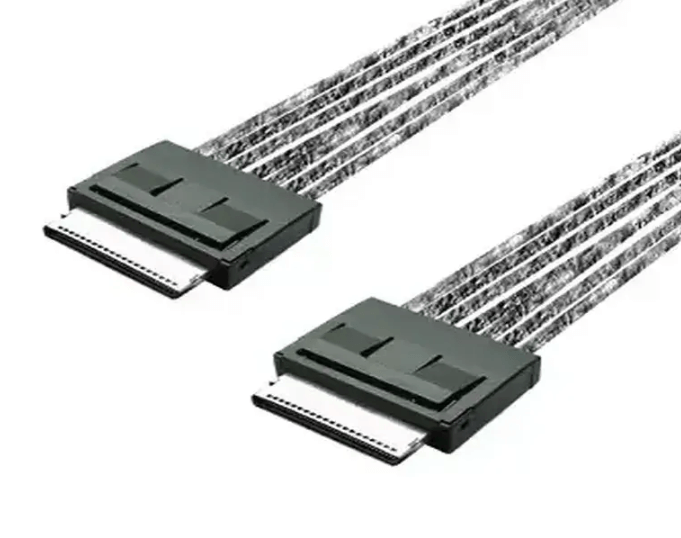
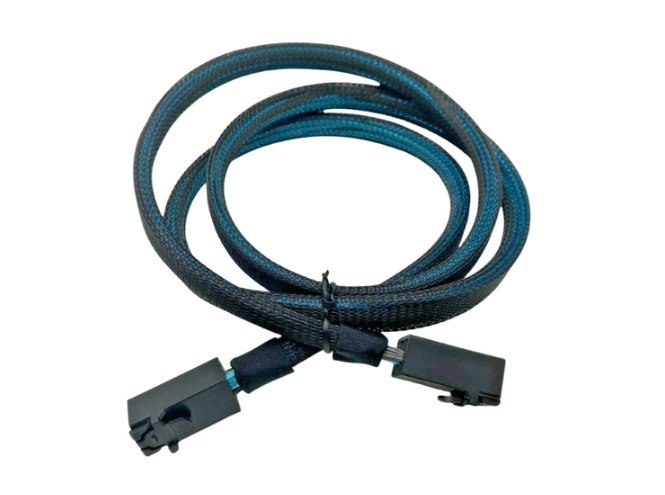
High speed storage cables used for SAS 24G, PCIe Gen 4, and PCIe Gen 5 links operate with very tight signal integrity margins. Even when the correct cable and connector are selected, improper routing inside the chassis can introduce loss, noise, or mechanical stress that degrades performance. Many field issues traced to storage instability are caused not by the cable itself, but by avoidable routing mistakes during system integration.
Excessive Bend Radius Violations
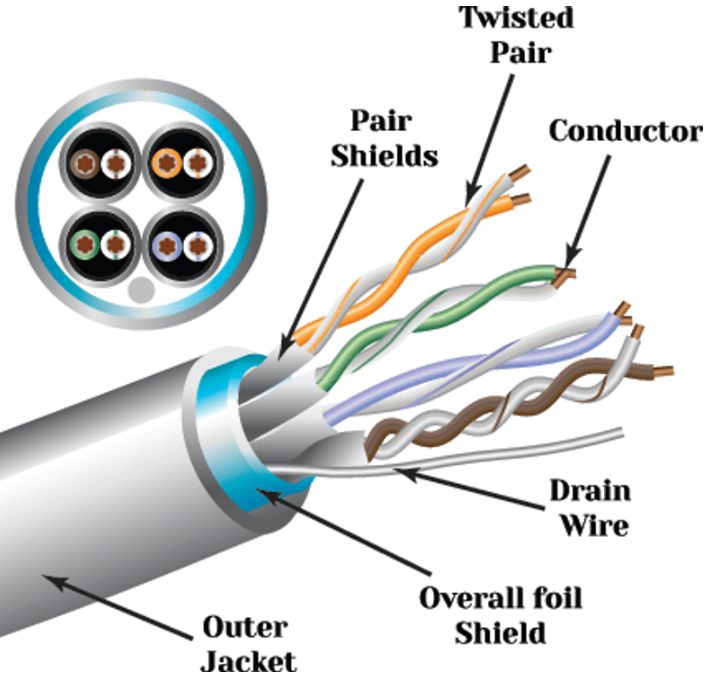
One of the most frequent routing mistakes is bending cables too sharply, especially near the connector overmold. Tight bends distort the internal conductor geometry and shielding, which changes impedance and increases insertion loss.
High speed cables are designed with a defined minimum bend radius, often around ten times the cable diameter. Violating this limit can cause intermittent link errors that are difficult to diagnose, particularly at higher PCIe or SAS speeds.
Routing Cables Alongside Power Conductors
Running high speed data cables parallel to AC or DC power lines exposes them to electromagnetic interference. Power cables generate time varying fields that can couple into nearby signal pairs, increasing noise and crosstalk.
This mistake is common in dense servers where space is limited. Data and power cables should be separated whenever possible, and unavoidable crossings should occur at right angles to minimize coupling.
Using Cables That are Longer Than Necessary
Excess cable length increases attenuation and reduces the available signal margin. At PCIe Gen 4 and above, even small increases in length can push a channel beyond its allowable loss budget.
Leaving slack coiled inside the chassis also creates secondary problems, including airflow blockage and accidental pinching when covers are installed. High speed cables should be selected to the shortest length that allows clean, strain free routing.
Blocking Airflow or Compressing Cables
Poor cable routing often obstructs airflow paths, especially in 1U and 2U systems. Bundled or tightly packed cables reduce cooling efficiency and raise component temperatures, which can indirectly affect signal stability and hardware lifespan.
Over tightening cable ties or clamps can also compress the cable jacket, deform shielding layers, and alter impedance. Cable management should guide and support cables without squeezing them.
Applying Strain at Connectors and Solder Joints
Connectors are the most mechanically sensitive part of a high speed cable assembly. Routing that pulls, twists, or supports cable weight directly at the connector increases the risk of intermittent connections or long term failure.
Proper routing provides gradual strain relief, allowing the cable to transition smoothly from the connector into the cable run without sharp angles or tension.
Mixing Incompatible Cable Types or Lane Configurations
Another common mistake is mismatching cable type, lane count, or protocol with the backplane or device port. Examples include connecting an 8 lane cable to a 4 lane interface, or using a SAS cable where PCIe signaling is expected.
These errors may prevent link training entirely or cause reduced throughput and unstable behavior. Verifying connector standards, lane mapping, and protocol compatibility before installation is essential.
Ignoring Manufacturer Routing Guidance
High speed cable manufacturers publish routing, bend radius, and handling guidelines based on signal integrity testing. Ignoring these recommendations increases the likelihood of marginal links, especially at higher data rates.
Treating high speed cables like generic wiring rather than precision transmission components is a frequent root cause of preventable failures.
Common Environments Where Routing Mistakes Occur
Routing issues most often appear in:
-
High density NVMe storage servers
-
PCIe switch and accelerator platforms
-
Space constrained 1U and 2U chassis
-
Systems with frequent reconfiguration or service access
In these environments, routing discipline is as important as cable selection.
FAQ (Frequently Asked Questions)
Can routing mistakes cause intermittent errors rather than total failure?
Yes. Many routing issues produce marginal links that fail only under load or temperature changes.
Is bend radius more important near the connector?
Yes. The region closest to the connector is most sensitive to mechanical and electrical distortion.
Do cable ties always cause problems?
Not if used lightly. Problems arise when ties are overtightened or placed too close to connectors.
Are routing mistakes more critical at higher speeds?
Yes. As data rates increase, signal integrity margins shrink, making routing errors more impactful.