The Most Important Specs For SAS 4.0 And PCIe Gen 5 Cables
SAS 4.0 and PCIe Gen 5 push signaling speeds to levels where cable selection directly impacts system stability and performance. At 24 gigabits per second per lane for SAS and 32 gigatransfers per second per lane for PCIe, margins are tight and assumptions that worked at lower speeds no longer apply. Choosing the right cable requires verifying a small set of critical specifications that determine whether a link will train cleanly and remain reliable under load.
Connector Standard and SFF Designation
The first specification to verify is the connector standard on both ends of the cable. Small Form Factor designations define not only the physical interface but also the intended deployment environment.
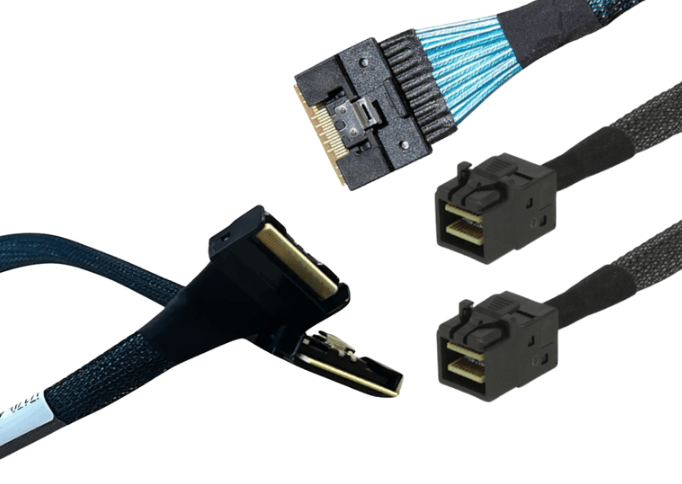
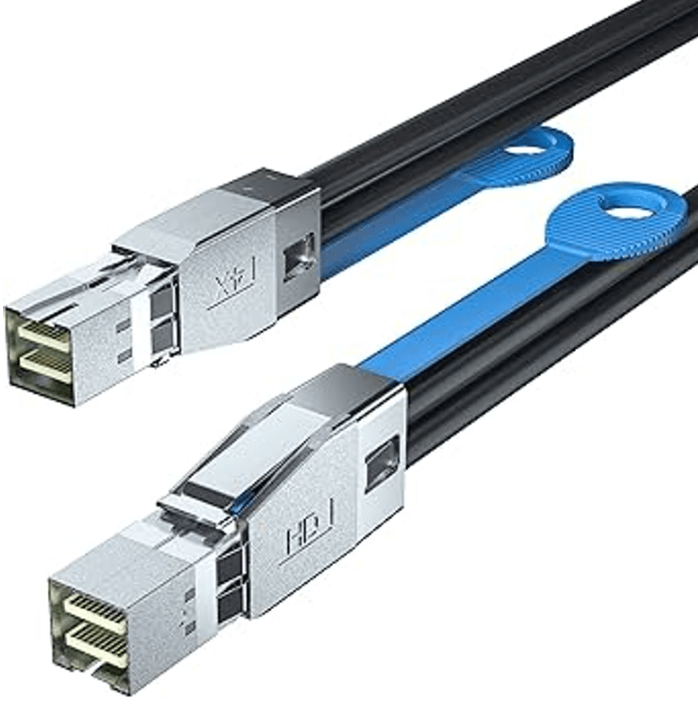
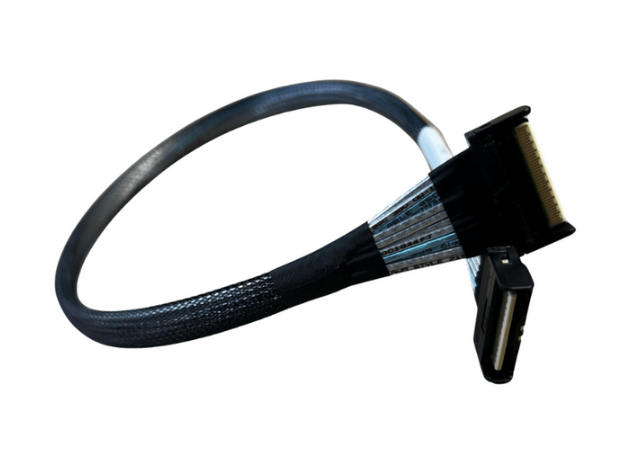
Internal connectors such as SlimSAS SFF-8654 are commonly used for SAS 4.0 and PCIe Gen 5 systems due to their compact footprint and high frequency performance. HD MiniSAS SFF-8643 and SFF-8644 are still used in certain SAS environments but are generally more limited for next generation PCIe signaling.
Matching the exact SFF designation on the controller, backplane, and cable is mandatory. A connector that fits mechanically but is designed for a different environment or speed class can prevent link initialization.
Protocol Support and Electrical Wiring
Connector type alone does not guarantee protocol compatibility. Many high speed connectors can be wired for different signaling standards.
SAS 4.0 cables must be wired and tested for SAS signaling. PCIe Gen 5 cables must be designed specifically for PCIe electrical characteristics. A cable built for one protocol will not function correctly with the other, even if the connector and lane count appear correct.
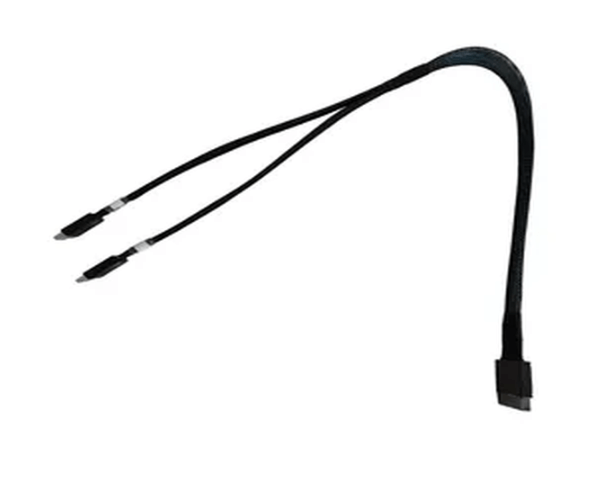
This is especially important for breakout cables, where SlimSAS ports may be wired for SAS, SATA, or PCIe depending on the application.
Lane Count and Lane Mapping
Lane count directly determines available bandwidth and compatibility. Most high speed internal cables carry either four lanes or eight lanes.
The cable lane count must match how the controller port is configured and how the backplane or device expects lanes to be presented. An eight lane cable connected to a four lane port does not increase performance and may result in unused lanes or enumeration issues.
Correct lane mapping is equally important in breakout assemblies. Forward and reverse breakouts are not interchangeable, and incorrect mapping will prevent devices from being detected.
Data Rate and Frequency Rating
SAS 4.0 and PCIe Gen 5 impose much stricter requirements on insertion loss, return loss, and crosstalk than previous generations.
Cables should be explicitly rated and tested for the target speed. For SAS, this means verified performance at 24 gigabits per second per lane. For PCIe, it means validation at 32 gigatransfers per second per lane.
Using cables rated only for earlier generations can lead to marginal links that appear functional initially but fail under load or temperature variation.
Cable Length and Loss Budget
As signaling speed increases, allowable cable length decreases. Loss budgets for PCIe Gen 5 are significantly tighter than for Gen 4, and SAS 4.0 is more sensitive than SAS 3.0.
Selecting the shortest practical cable length preserves signal margin and improves reliability. Excess length adds attenuation and increases susceptibility to noise and reflections.
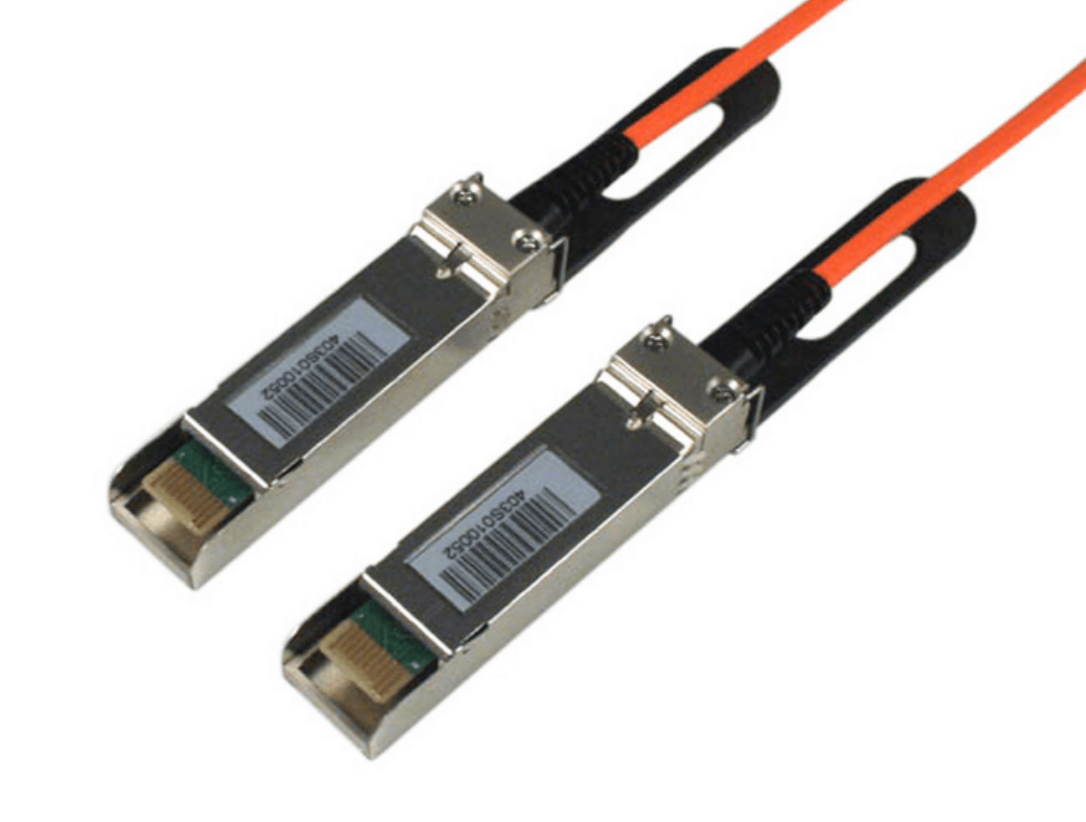
If required distances exceed practical copper limits, active optical cables may be necessary to maintain full bandwidth.
Shielding and Construction Quality
High speed cables rely on consistent geometry and effective shielding to control impedance and minimize crosstalk. Poor construction quality can negate even correct connector and protocol choices.
Look for assemblies with robust shielding, controlled impedance conductors, and consistent manufacturing processes. Mechanical stability also matters, as deformation from tight bends or strain can alter electrical characteristics at these speeds.
Connector and Termination Precision
At Gen 5 and SAS 4.0 speeds, connector transitions become a significant source of signal degradation. Connectors must be designed and manufactured to tight tolerances to minimize discontinuities.
Cable assemblies intended for these speeds use connectors optimized for high frequency performance and require precise termination during manufacturing. Variability here is a common cause of intermittent link issues.
Compatibility and Validation Testing
Specifications on paper are not enough. Cables should be validated through signal integrity testing appropriate to their intended use.
Assemblies tested at the target protocol speed and validated with real controllers and devices provide much higher confidence. This is especially important in environments where downtime or troubleshooting costs are high.
Common Failure Modes When Specs are Ignored
Ignoring one or more of these specifications often leads to:
-
Links that fail to train at full speed
-
Intermittent errors under load
-
Reduced bandwidth due to fallback modes
-
Difficulty diagnosing issues after deployment
These problems are frequently misattributed to controllers or drives when the root cause is the cable.
FAQ (Frequently Asked Questions)
Can SAS 4.0 cables be used at lower SAS generations?
Yes, if the connector and protocol are compatible, higher rated cables are typically backward compatible.
Do PCIe Gen 5 cables work at Gen 4 speeds?
Yes. They are designed to support lower generations with additional margin.
Is connector type more important than cable quality?
Both are critical. Correct connectors without proper electrical performance will still fail at high speeds.
When should active optical cables be considered?
When required distances exceed the practical limits of copper at the target speed.