PCIe X16 Female To Dual MCIO 8i For Server Expansion
PCIe x16 female to dual MCIO 8i cable assemblies provide a flexible method for extending PCIe expansion connectivity within modern servers and storage platforms. By relocating a PCIe x16 interface through two MCIO 8i connectors, these assemblies simplify internal hardware layouts while supporting PCIe Gen5 bandwidth requirements. Their compact design makes them well suited for dense computing environments where efficient cable routing and space optimization are essential.
Understanding PCIe X16 Female To Dual MCIO 8i Architecture
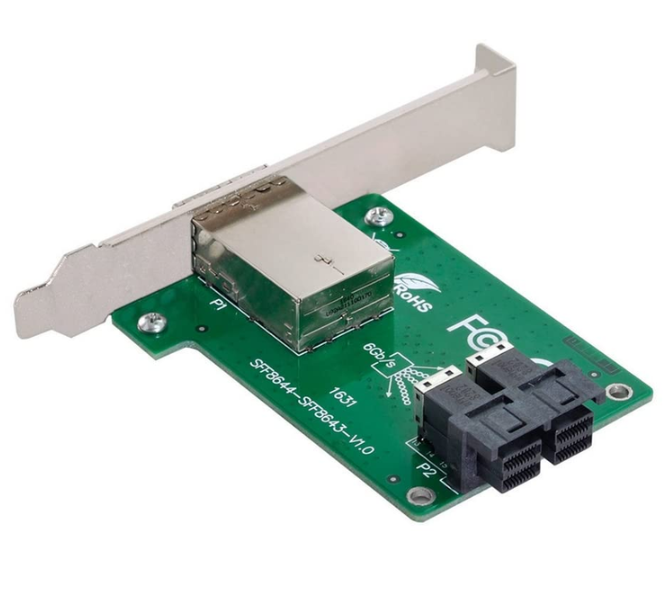
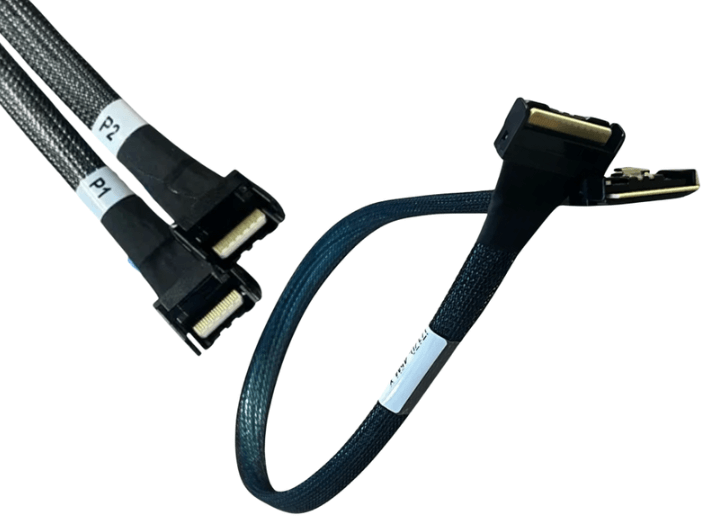
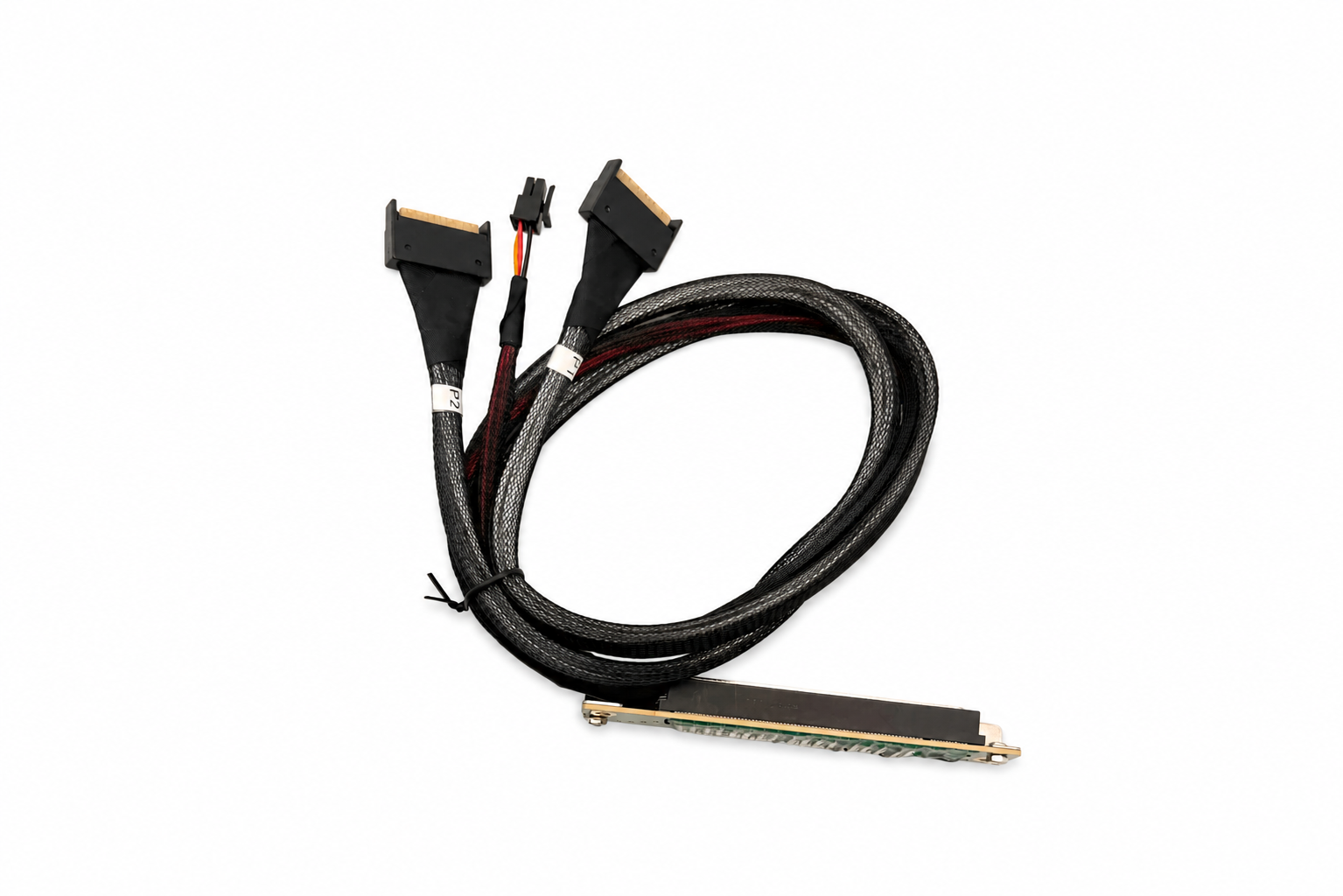
A PCIe x16 female to dual MCIO 8i assembly combines a bracket mounted PCIe x16 female connector with two MCIO 8i interfaces. Instead of connecting expansion devices directly to the motherboard, the PCIe interface can be relocated to a different position within the chassis while maintaining high speed communication.
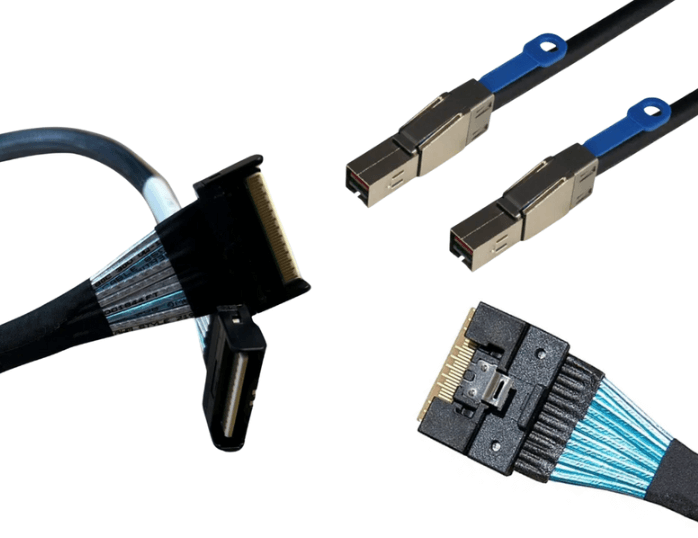
MCIO, or Mini Cool Edge IO, provides a compact connector that supports multiple PCIe lanes in significantly less space than many traditional internal interfaces. This enables cleaner cable routing while reducing PCB space requirements inside enterprise servers.
The cable assembly functions only as a high speed extension. It does not perform protocol conversion or change PCIe lane allocation.
Supporting PCIe Gen5 Performance
PCIe Gen5 operates at 32 GT/s per lane, doubling the signaling rate of PCIe Gen4. At these speeds, maintaining electrical performance throughout the complete communication channel becomes increasingly important.
The cable assembly, connectors, motherboard routing, and endpoint devices all contribute to overall signal quality. A properly designed PCIe x16 female to dual MCIO 8i assembly helps preserve signal integrity while supporting bandwidth intensive applications such as NVMe storage, artificial intelligence accelerators, networking adapters, and enterprise computing workloads.
Platform validation remains essential because every component within the channel influences overall performance.
Advantages Of MCIO 8i Connectivity
MCIO 8i connectors provide eight high speed PCIe lanes within a compact footprint, making them suitable for high density hardware designs. Using two MCIO 8i interfaces allows multiple internal connections while reducing cable congestion around processors, memory modules, storage backplanes, and expansion cards.
The smaller connector size also improves cable organization, making installation and maintenance easier in systems with limited internal space.
Signal Integrity And High Speed Operation
As PCIe signaling speeds increase, maintaining signal integrity becomes more challenging. Factors such as insertion loss, return loss, impedance discontinuities, pair skew, and connector transitions can affect overall link stability.
Cable routing also plays an important role. Sharp bends, excessive cable tension, or routing near sources of electrical interference may reduce available signal margin. Using high quality cable assemblies and following recommended installation practices helps maintain reliable PCIe communication.
Compatibility Considerations
Although the PCIe x16 female connector and MCIO 8i interfaces may physically match compatible hardware, successful deployment depends on complete system compatibility.
Before installation, verify:
- PCIe Lane Configuration
- Motherboard Compatibility
- MCIO 8i Cable Pinout
- PCIe Generation Support
- BIOS And Firmware Configuration
- Endpoint Device Compatibility
- Mechanical Clearance
The cable assembly cannot increase PCIe generation capability or compensate for unsupported hardware. Every component in the communication path must support the desired operating mode.
Mechanical Design And Cable Routing
The bracket mounted PCIe x16 female connector provides flexibility when repositioning expansion interfaces inside the server chassis. This can simplify hardware layouts while improving access to expansion devices.
Proper cable routing helps maintain airflow throughout the system. Cables should be installed without excessive bending or twisting and should not obstruct cooling fans or air channels. Maintaining the recommended bend radius also improves long term cable reliability.
Common Applications
- Enterprise Rack Servers
- PCIe Gen5 Storage Platforms
- NVMe Drive Expansion
- AI Computing Systems
- High Performance Computing Clusters
- Internal PCIe Extension Projects
- Data Center Infrastructure
- Custom Server Platforms
Best Practices For Deployment
Confirm motherboard compatibility before installation and verify that the PCIe slot provides the required lane width and generation support. Select MCIO cable assemblies designed for the intended platform.
Keep cable routing short and organized to preserve signal quality and airflow. After installation, verify negotiated PCIe link speed, lane width, and firmware compatibility to ensure reliable operation.
FAQ (Frequently Asked Questions)
1. What Is A PCIe X16 Female To Dual MCIO 8i Cable Used For?
It extends a PCIe x16 expansion interface through two MCIO 8i connectors for compatible internal hardware.
2. Does It Support PCIe Gen5 Applications?
Yes. It is designed for PCIe Gen5 systems when used with compatible hardware and cable assemblies.
3. Does The Cable Convert PCIe Signals?
No. It extends PCIe connectivity without converting protocols or modifying lane allocation.
4. Where Are These Cable Assemblies Commonly Used?
They are widely used in enterprise servers, NVMe storage systems, AI platforms, and high density computing environments.