How You Build A Future-Proof PCIe 4.0 Server With The Right Cables And Connectors
Building a future-proof PCIe 4.0 server is less about chasing peak specs and more about making disciplined infrastructure choices that will remain stable as speeds increase. PCIe Gen 4 runs at 16 GT per second per lane, which places strict demands on cabling, connectors, layout, and signal integrity. The right interconnect decisions today determine whether your server scales smoothly to higher performance or becomes the limiting factor later.
Start with a Full Channel Mindset
PCIe performance depends on the entire signal path, not just the slot or device.
That path includes:
-
CPU or switch silicon
-
PCB traces and vias
-
Backplane connectors
-
Cables and routing
-
Device interfaces
Future-proofing means every element in that chain must comfortably support Gen 4 signaling, not barely pass it.
Choose Cables Explicitly Rated for PCIe Gen 4 or Higher
Never assume compatibility based on connector fit alone.
When selecting cables:
-
Verify they are tested for PCIe Gen 4 signaling
-
Prefer cables designed for Gen 5 even if running Gen 4 today
-
Look for low insertion loss and tight impedance control
-
Avoid generic or legacy cables that were only validated for Gen 3
Cable quality directly impacts link stability, training behavior, and long-term reliability.
Select Connector Standards with Headroom
Connector choice influences density, airflow, and scalability.
General guidance:
-
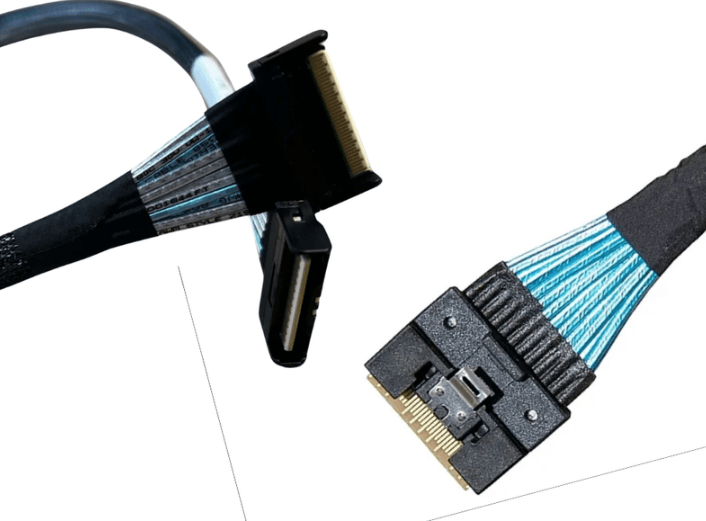
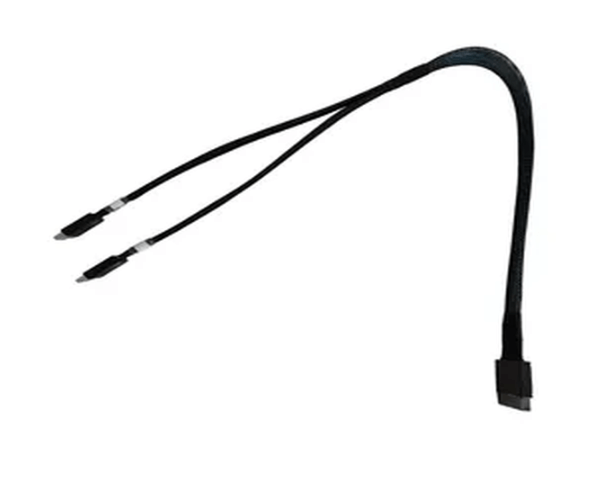
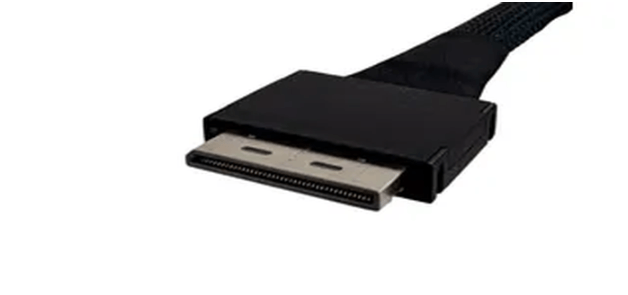
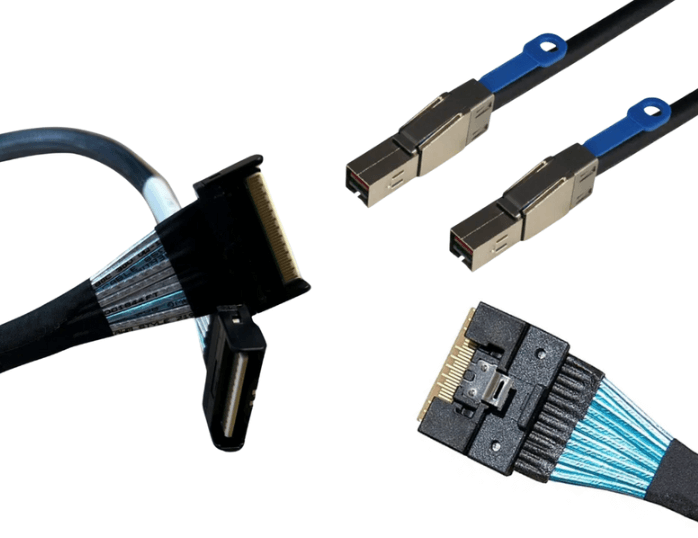
SlimSAS works well for PCIe Gen 4 storage and backplanes with moderate density
-
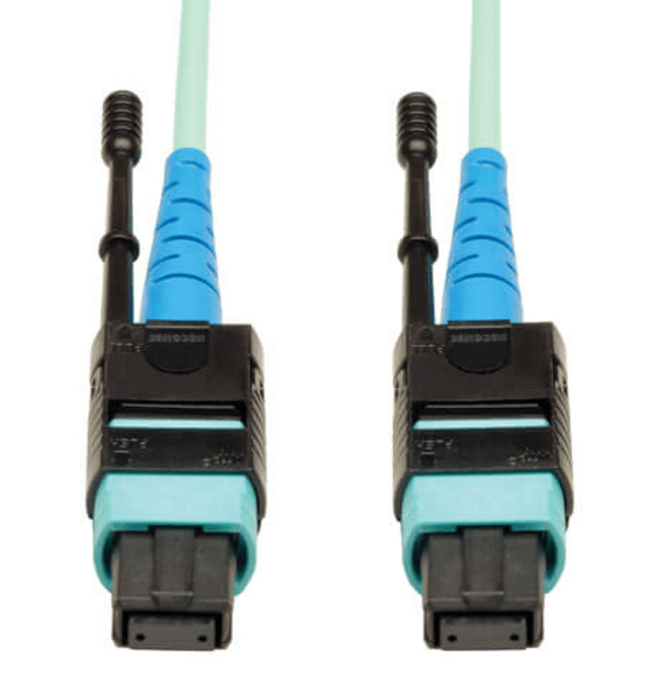
MCIO is better suited for high density and forward-looking Gen 5 designs
-
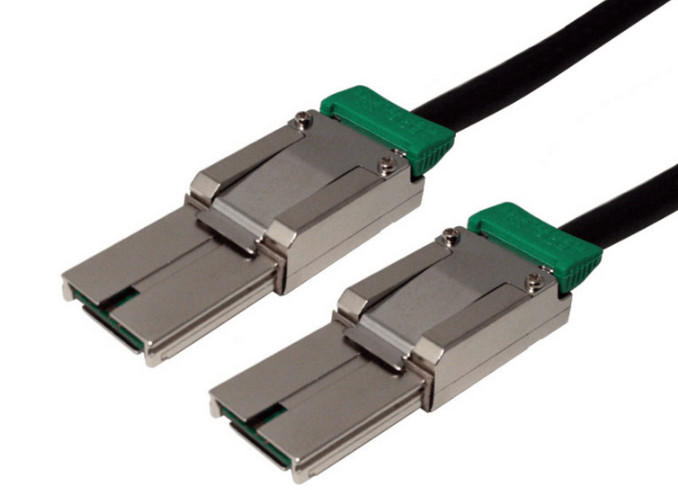
HD MiniSAS can still be viable in Gen 4 systems, but often limits future expansion
If long lifecycle or future upgrades matter, choosing connectors designed for higher generations reduces rework later.
Keep Cable Lengths Conservative
PCIe Gen 4 is sensitive to distance.
Best practices include:
-
Keeping passive internal cable runs as short as possible
-
Avoiding excess slack or looping
-
Designing layouts that minimize detours around components
Shorter cables preserve signal margin and make Gen 5 transitions far easier.
Design Cable Routing with Signal Integrity in Mind
Routing is not just mechanical, it is electrical.
Installers and designers should:
-
Maintain proper bend radius at all times
-
Avoid tight bundling that increases crosstalk
-
Route data cables away from power delivery paths
-
Minimize connector transitions
Clean routing improves both signal integrity and airflow.
Plan Airflow and Thermals Early
Higher speeds usually mean higher power density.
Future-proof layouts:
-
Keep cable bundles out of primary airflow paths
-
Use right-angle or low-profile connectors where space is tight
-
Ensure connectors are not sitting in thermal hot spots
Thermal stress reduces signal margin and accelerates long-term failures.
Validate BIOS and Firmware Support
Many PCIe Gen 4 platforms ship with conservative defaults.
Before deployment:
-
Update motherboard, backplane, and device firmware
-
Confirm PCIe Gen 4 operation is enabled in BIOS or UEFI
-
Verify correct lane bifurcation settings
-
Check negotiated link speeds under load
A system that silently falls back to Gen 3 wastes your investment.
Avoid Designing to the Absolute Limit
Future-proof systems leave margin.
Avoid:
-
Maximum length passive cables
-
Marginal routing just to save space
-
Designs that only pass in ideal lab conditions
Extra margin today translates into fewer failures tomorrow and easier Gen 5 adoption.
Think Beyond Gen 4
PCIe Gen 5 is already mainstream in new platforms, and Gen 6 is approaching.
Future-proof choices include:
-
Gen 5 capable cables and connectors
-
Layouts that minimize loss and reflections
-
Modular interconnects that allow replacement without redesign
Even if your server stays at Gen 4, these choices improve reliability.
Final Perspective
A future-proof PCIe 4.0 server is built by respecting signal integrity, choosing the right connector ecosystem, using high-quality cabling, and designing for margin rather than minimum compliance. When done correctly, the server not only performs well today but is structurally ready for faster devices, higher densities, and longer service life.
FAQ (Frequently Asked Questions)
Can PCIe Gen 3 cables work in a Gen 4 server?
Sometimes, but they often cause downtraining or instability. Gen 4 rated cables are strongly recommended.
Is MCIO required for PCIe 4.0?
No, but it offers better scalability and density for future designs.
How much cable length is safe for Gen 4?
Shorter is always better. Internal passive runs are best kept well under 1 meter.
What is the most common mistake in Gen 4 server builds?
Using cables that physically fit but were never validated for Gen 4 speeds.