How Poor Cabling Cause Instability In PCIe Gen 4.0 Links
PCIe Gen 4.0 operates at 16 GT per second per lane, which significantly reduces signal margin compared to earlier generations. At these speeds, cabling is no longer a passive afterthought. Cable construction, length, routing, and termination quality directly influence whether a link trains reliably and remains stable under load. Poor cabling often manifests as intermittent errors, reduced link width or speed, or complete link failure.
Excessive Insertion Loss Weakens The Received Signal
Insertion loss increases rapidly at higher frequencies. Low quality materials, long cable lengths, or inconsistent conductor geometry attenuate the signal before it reaches the receiver.
When insertion loss exceeds the PCIe Gen 4.0 channel budget, the receiver struggles to recover data reliably. This can cause links to downshift to lower speeds, retrain repeatedly, or drop packets under sustained traffic.
Impedance Mismatches Create Reflections
PCIe Gen 4.0 requires tight differential impedance control, typically centered around 85 ohms. Poor cabling introduces impedance discontinuities at connectors, splices, or along the cable itself.
These mismatches cause reflections that distort the signal waveform. Reflections reduce eye opening at the receiver, increase jitter, and raise the bit error rate. In severe cases, the link may fail during initialization or become unstable during temperature or load changes.
Crosstalk Corrupts Adjacent Lanes
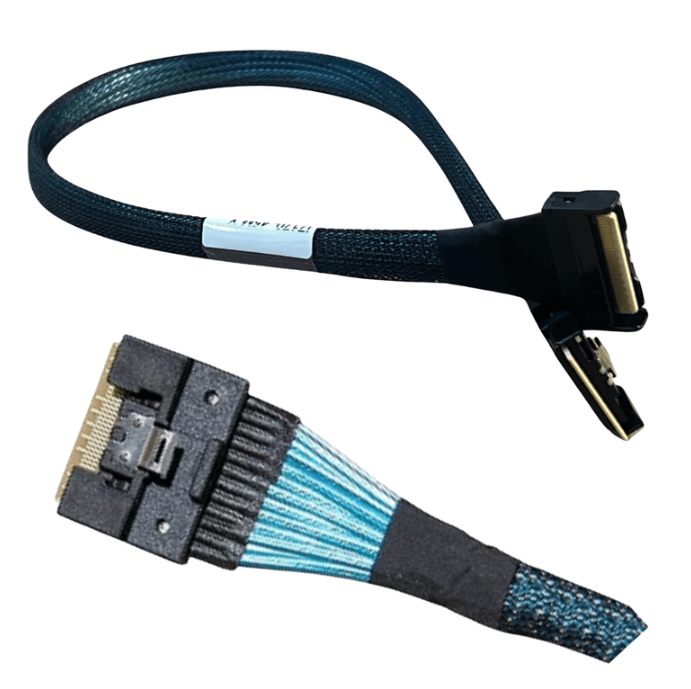
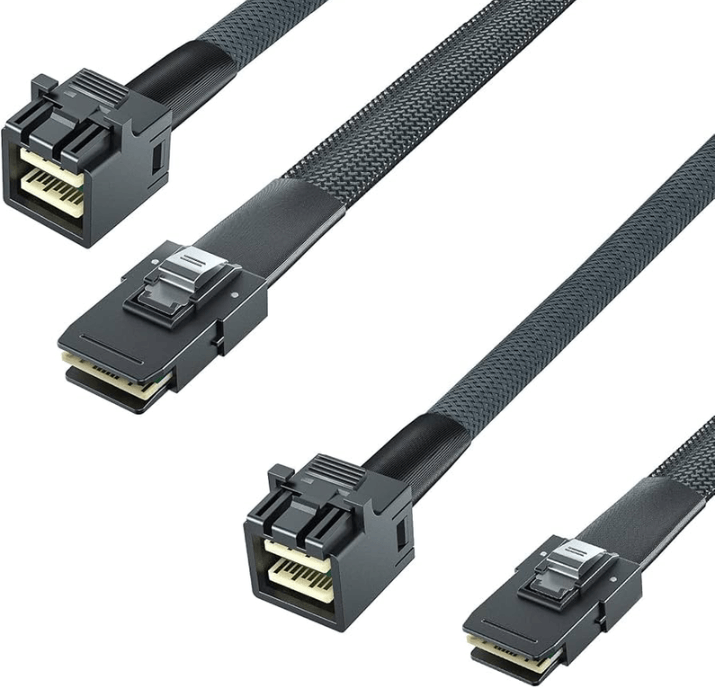
In dense multi lane cables, such as those used for internal PCIe connectivity, poor shielding and inconsistent pair spacing allow energy from one lane to couple into adjacent lanes.
At Gen 4.0 speeds, even small amounts of crosstalk can corrupt data, especially when multiple lanes are active simultaneously. This often appears as instability only when the link is fully loaded, making the issue difficult to reproduce during light testing.
Length and Routing Amplify Signal Degradation
As signaling speed increases, allowable cable length decreases. Using cables longer than necessary consumes valuable loss budget and increases susceptibility to noise and reflections.
Improper routing compounds the problem. Tight bend radii, sharp turns near connectors, or excessive strain can deform the internal structure of the cable. These mechanical issues alter impedance and shielding effectiveness, further degrading signal integrity.
Connector Quality and Termination Precision Matter
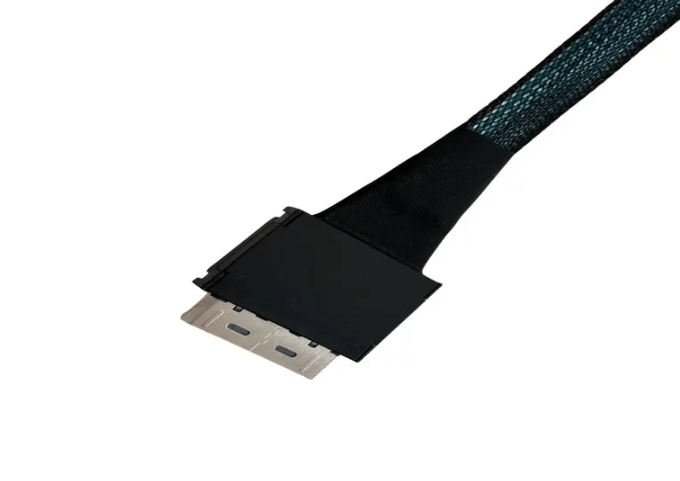
Connectors are a major source of signal discontinuity. Poorly manufactured connectors or imprecise terminations introduce abrupt impedance changes and additional loss.
At PCIe Gen 4.0 speeds, small variations in connector geometry can have outsized effects. Even if the cable itself is well designed, low quality connectors or inconsistent assembly practices can destabilize the link.
Equalization Cannot Compensate for Severe Cabling Issues
PCIe Gen 4.0 relies on transmitter and receiver equalization to compensate for channel loss. While equalization can recover moderately degraded signals, it has limits.
If cabling introduces excessive loss, noise, or reflections, equalization cannot fully correct the channel. The result is marginal links that may work intermittently or fail under real world conditions.
Thermal and Environmental Sensitivity
Poor cabling often leads to links that are sensitive to temperature changes. As materials heat up, electrical characteristics shift slightly. In a marginal channel, these small changes can push the link over the edge.
This is why some PCIe Gen 4.0 issues appear only after the system has been running under load for extended periods.
Common Symptoms of Cabling Induced Instability
Poor cabling in PCIe Gen 4.0 systems frequently results in:
-
Links training at x8 instead of x16 or at Gen 3 instead of Gen 4
-
Intermittent CRC errors or corrected errors
-
Devices disappearing under heavy I O load
-
Unexplained system resets or timeouts
These symptoms are often misattributed to firmware or device faults when the root cause is the physical channel.
Preventing Cabling Related Instability
To avoid instability, cabling should be selected and deployed with Gen 4.0 requirements in mind. This includes using cables rated and tested at 16 GT per second, minimizing length, maintaining proper bend radius, and ensuring high quality connectors and terminations.
Validation with signal integrity testing, such as eye diagrams at speed, provides additional confidence that the cabling will support stable operation.
FAQ (Frequently Asked Questions)
Can poor cabling cause a PCIe link to fall back to Gen 3?
Yes. If signal quality is insufficient, the link may negotiate a lower speed to remain stable.
Why do cabling issues often appear only under load?
Full lane utilization increases crosstalk and stress on the channel, exposing marginal signal integrity.
Are internal cables more sensitive than external links?
Internal links are often shorter but denser, which can increase crosstalk sensitivity if cabling quality is poor.
Does using shorter cables always help?
Shorter cables reduce loss and generally improve stability, provided routing and termination are done correctly.