How Do You Identify The Right Internal SAS Cable For Your Server?
Identifying the correct internal SAS cable is essential for ensuring compatibility, performance, and long term reliability in server and storage systems. Internal SAS cabling is defined by connector standards, lane counts, and supported protocols, not just physical fit. A methodical evaluation of the server controller, backplane, and drive interface prevents common issues such as link failures, reduced bandwidth, or unsupported configurations.
Identify The Connector Types on Both Ends
The first step is to determine the exact connector present on the host side and the device side. Internal SAS cabling follows Small Form Factor specifications, and each connector is designed for a specific generation and density.
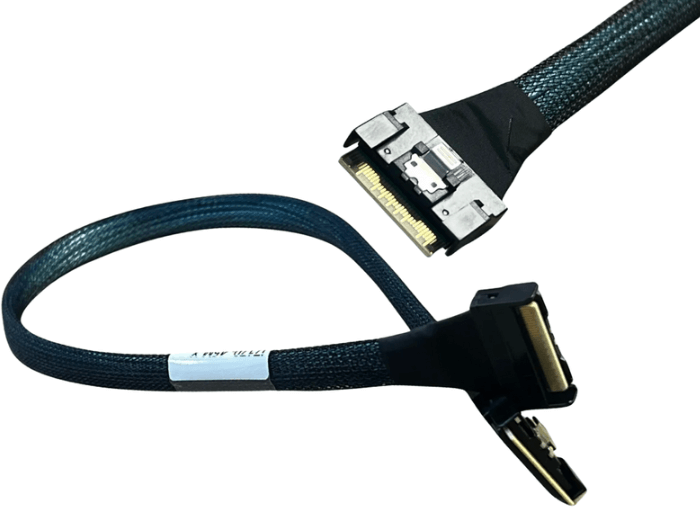
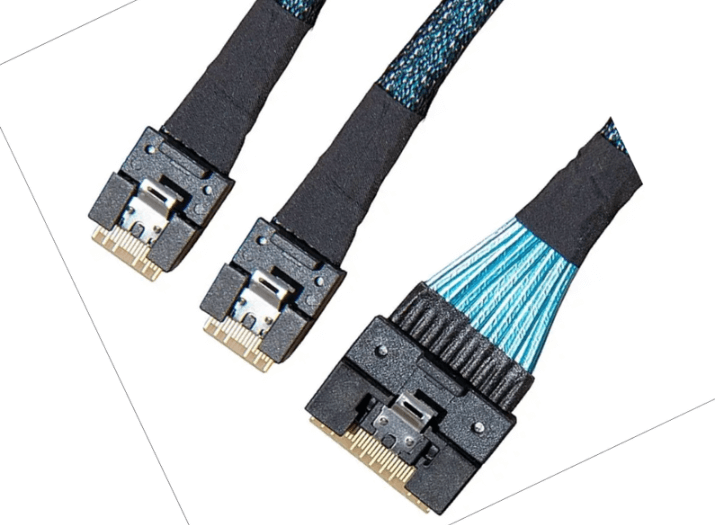
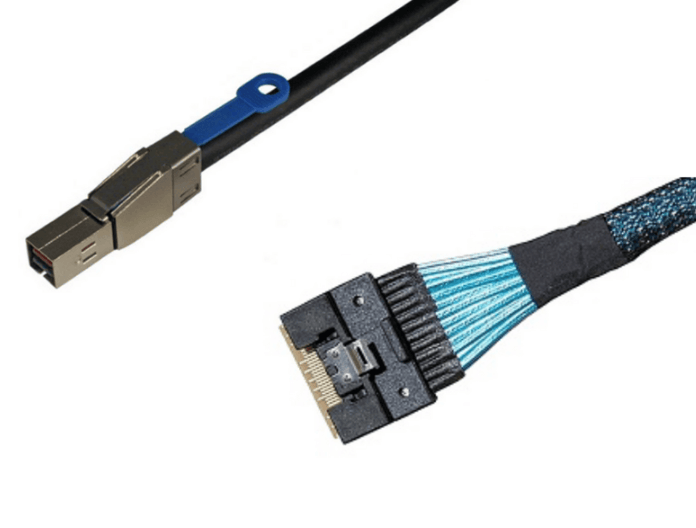
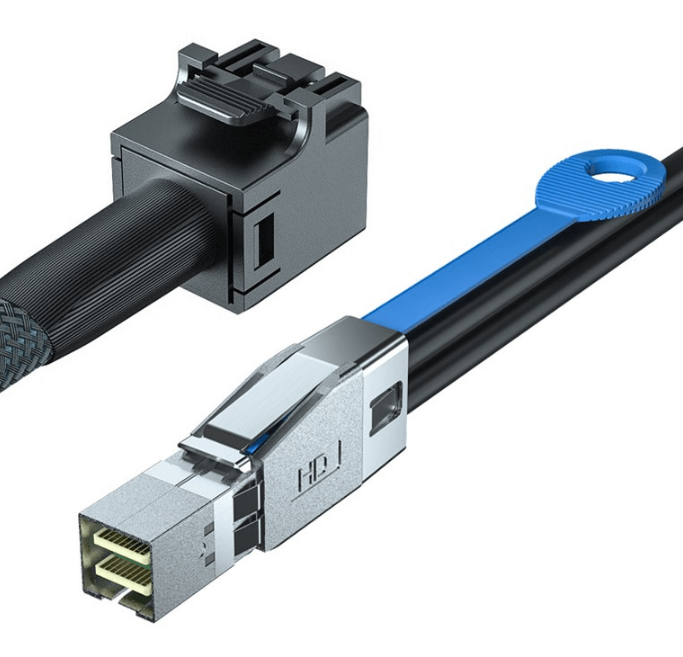
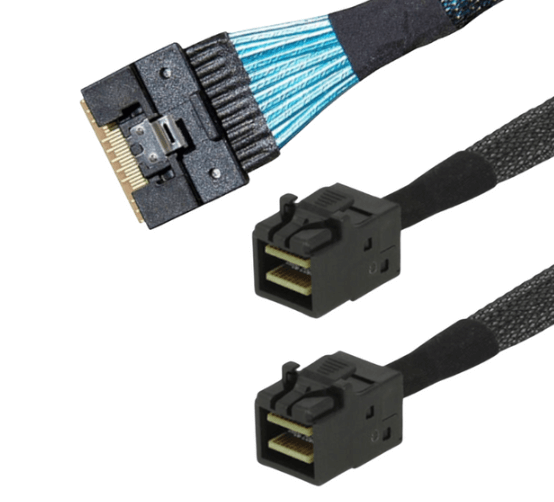
Common internal SAS connectors include MiniSAS SFF-8087 for older systems, HD MiniSAS SFF-8643 for many SAS 3.0 platforms, and SlimSAS SFF-8654 for newer high density designs. SlimSAS connectors are available in 4 lane and 8 lane versions, which must be matched correctly to the port they connect to.
The cable must use the correct connector type at each end unless a breakout cable is intentionally required.
Confirm The Signaling Protocol in Use
Internal cables may appear similar but are designed for specific protocols. SAS cables carry SAS and SATA signaling, while NVMe backplanes require PCIe signaling.
If the system uses SAS or SATA drives connected through a SAS controller, a SAS rated cable is required. If the system uses NVMe drives or PCIe switch based backplanes, a PCIe capable cable must be used. Using the wrong protocol cable will prevent link initialization even if the connectors physically mate.
Match Lane Count and Bandwidth Requirements
Lane count determines how much data can be carried over the connection. A 4 lane cable supports fewer drives or lower aggregate bandwidth than an 8 lane cable.
The lane count of the cable must match the port configuration on the controller and the backplane. Connecting an 8 lane cable to a 4 lane port does not increase performance and may result in unused lanes. In some platforms, incorrect lane matching can cause the link to fail entirely.
Choose Direct Attach or Breakout Cables Correctly
Direct attach cables connect the same connector type on both ends, such as SlimSAS to SlimSAS or HD MiniSAS to HD MiniSAS. These are used when the controller and backplane ports match.
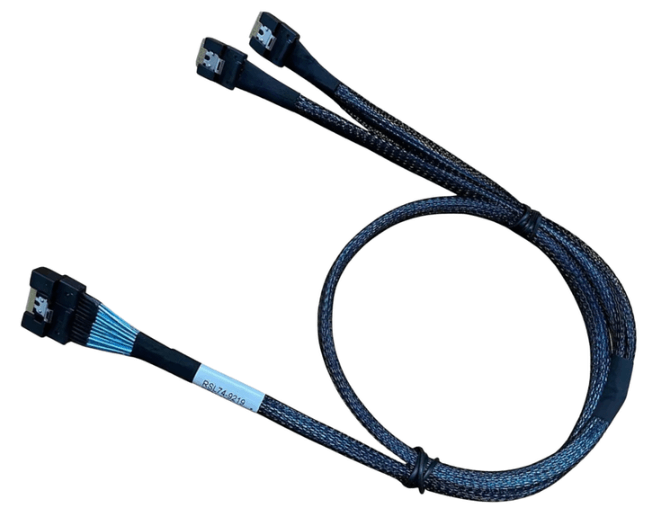
Breakout cables are used when a multi lane port must be split into individual device connections or smaller groups. Examples include one SlimSAS port breaking out to multiple SAS or SATA drives. The breakout direction is critical, as forward and reverse breakout cables are not interchangeable.
Consider Signal Speed and Cable Length Limits
Higher SAS generations operate at higher data rates and are more sensitive to loss and crosstalk. SAS 4.0 signaling at 24 gigabits per second per lane requires cables that are specifically rated and tested for that speed.
Cable length should be kept as short as practical. Excess length increases attenuation and reduces signal margin, which can lead to intermittent errors or degraded performance in high speed environments.
Evaluate Mechanical and Routing Constraints
Internal server layouts often impose tight routing constraints. Connector orientation, bend radius, and airflow must be considered when selecting a cable.
SlimSAS cables are commonly used in dense systems due to their compact size, but they still require proper bend radius and strain relief. Cables should never be forced into tight bends or routed in a way that places tension on the connector.
Validate Compatibility with System Documentation
Before final installation, verify cable requirements against the server or controller documentation. Many vendors specify supported connector types, lane configurations, and maximum cable lengths.
When documentation is unclear, confirming compatibility before installation avoids troubleshooting later and reduces deployment risk.
Common Scenarios where Selection Errors Occur
Internal SAS cable selection issues most often occur in:
-
Server upgrades involving mixed generation hardware
-
NVMe backplanes connected to SAS controllers
-
Lane mismatches in high density storage systems
-
Replacements using visually similar but incompatible cables
In each case, careful verification prevents downtime and rework.
FAQ (Frequently Asked Questions)
Can SAS cables be used for SATA drives?
Yes. SAS cables can carry SATA signaling, but SATA only cables cannot support SAS devices.
Are SlimSAS cables required for all new servers?
Not always. Connector choice depends on the server platform design and generation.
Does a higher lane count always improve performance?
Only if the controller, backplane, and drives support and use those lanes.
Can different connector types be used on one cable?
Yes, if the cable is designed as a proper breakout or adapter with correct lane mapping.