How Does OCuLink Lane Splitting Turn One 8 Lane Port Into Two x4 Links
OCuLink lane splitting turns a single 8 lane port into two x4 links by combining host level PCIe bifurcation with precise physical lane routing through a breakout cable.

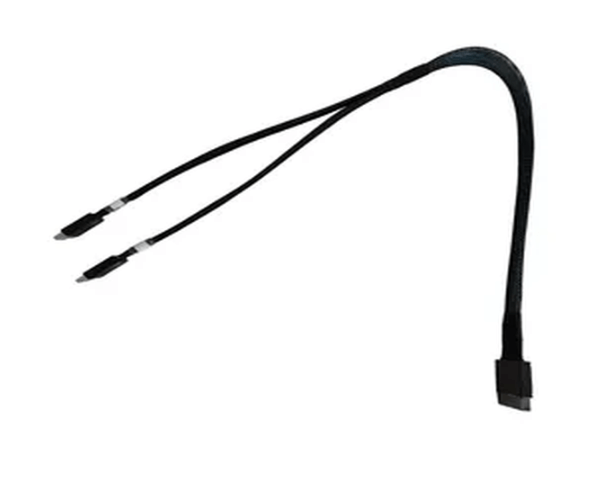
OCuLink lane splitting turns a single 8 lane port into two x4 links by combining host level PCIe bifurcation with precise physical lane routing through a breakout cable.
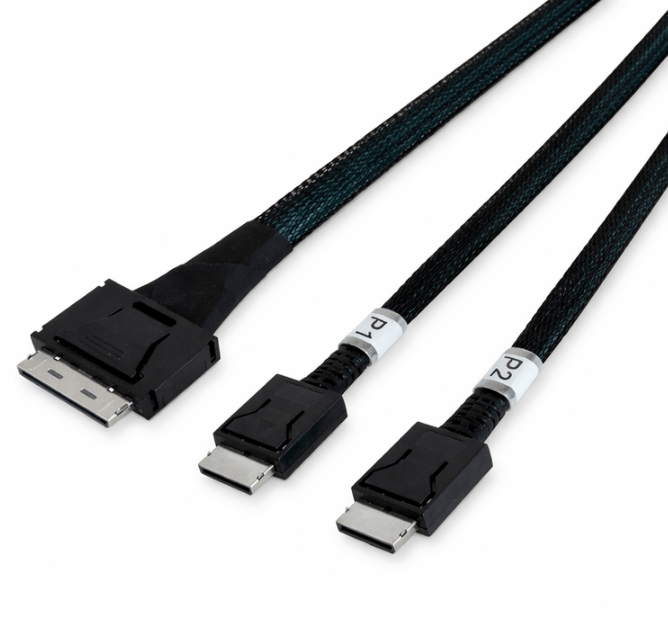
The I8040X2-M OCuLink cable enables proper PCIe lane breakout by preserving native electrical signaling and precise lane mapping for dual x4 connectivity.
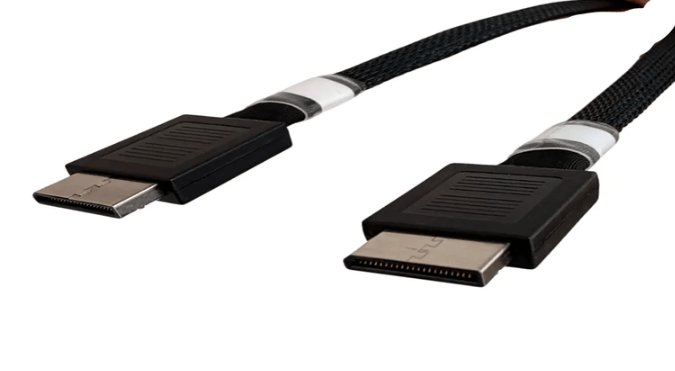
An OCuLink 8x to dual 4x breakout is preferred over a PCIe switch when direct, low latency, and efficiently allocated PCIe connectivity is required without added complexity.
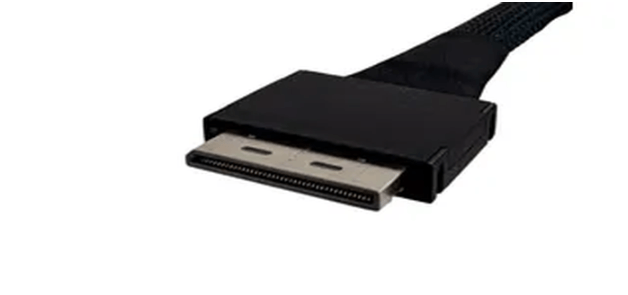
OCuLink 8x to dual 4x breakout cables scale PCIe devices by converting a single high lane count port into two independent x4 links, increasing device density without adding hardware or redesigning the platform.
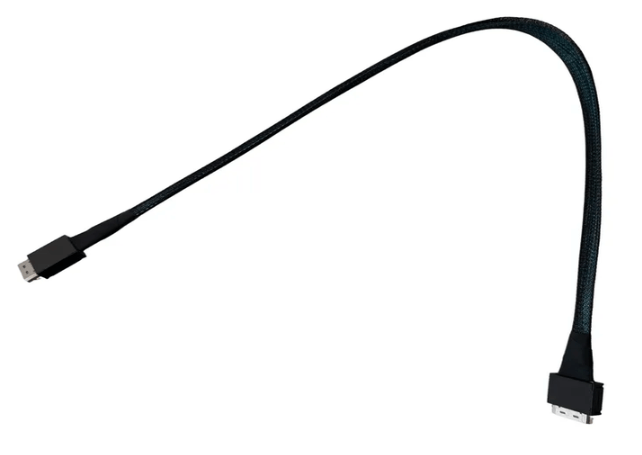
OCuLink 8x cable specifications such as signal integrity, lane matching, connector stability, and length selection are critical to achieving reliable full bandwidth PCIe 5.0 performance.
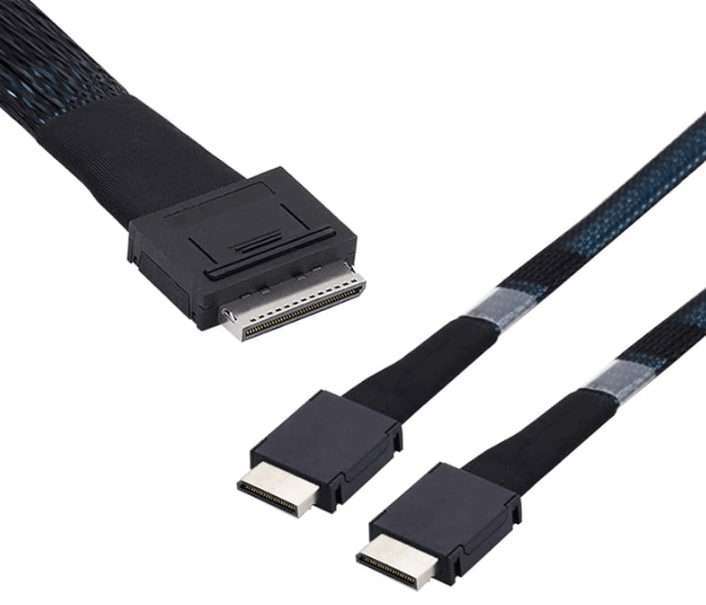
OCuLink 8x should be used instead of SlimSAS or MCIO when a high bandwidth build requires a dedicated x8 PCIe link with straightforward routing, stable signal integrity, and minimal deployment complexity.
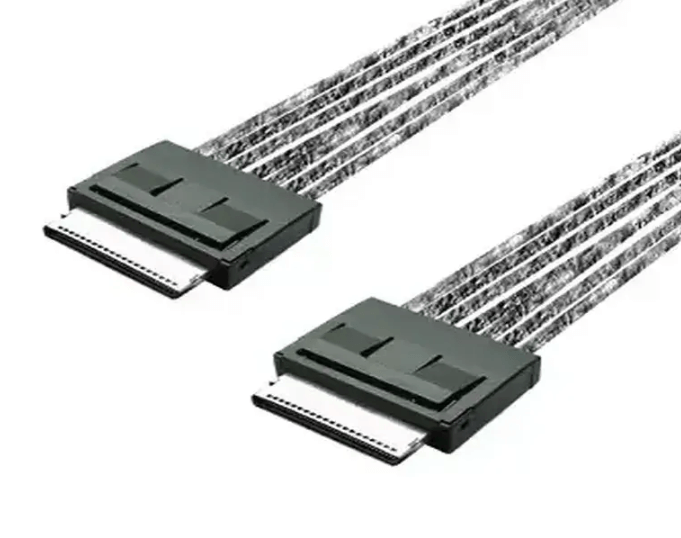
OCuLink 8x to 8x cables are critical for PCIe 5.0 expansion systems because they preserve full lane width, signal integrity, and predictable performance at very high data rates.