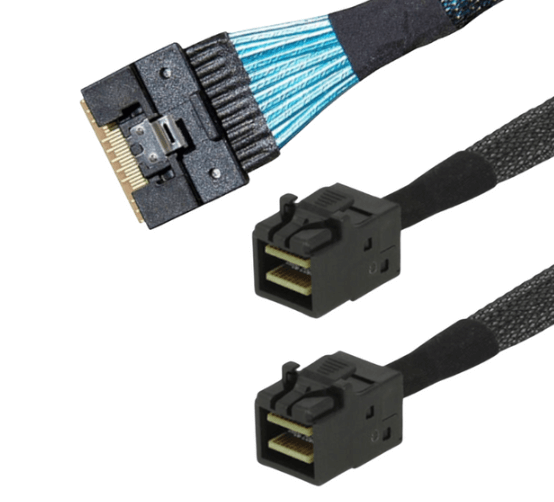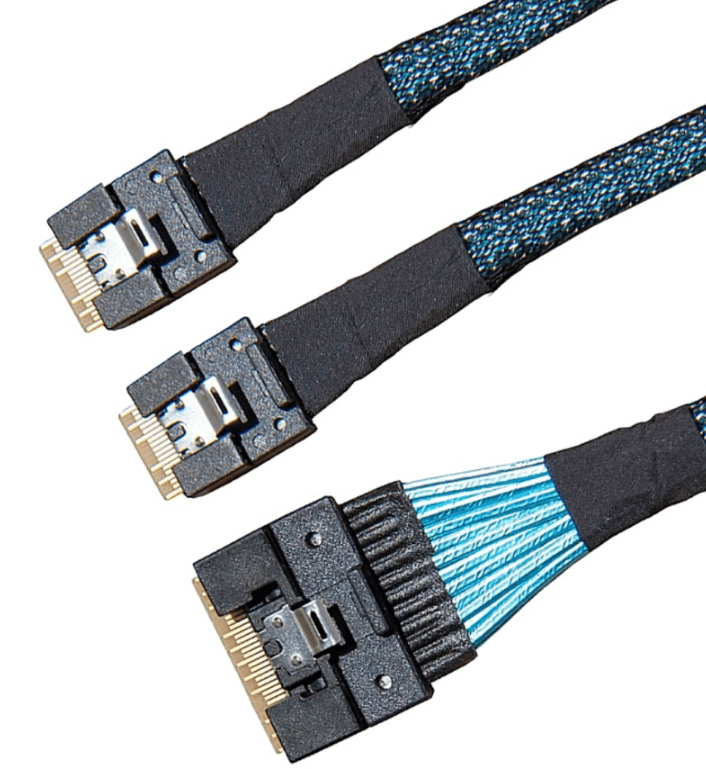
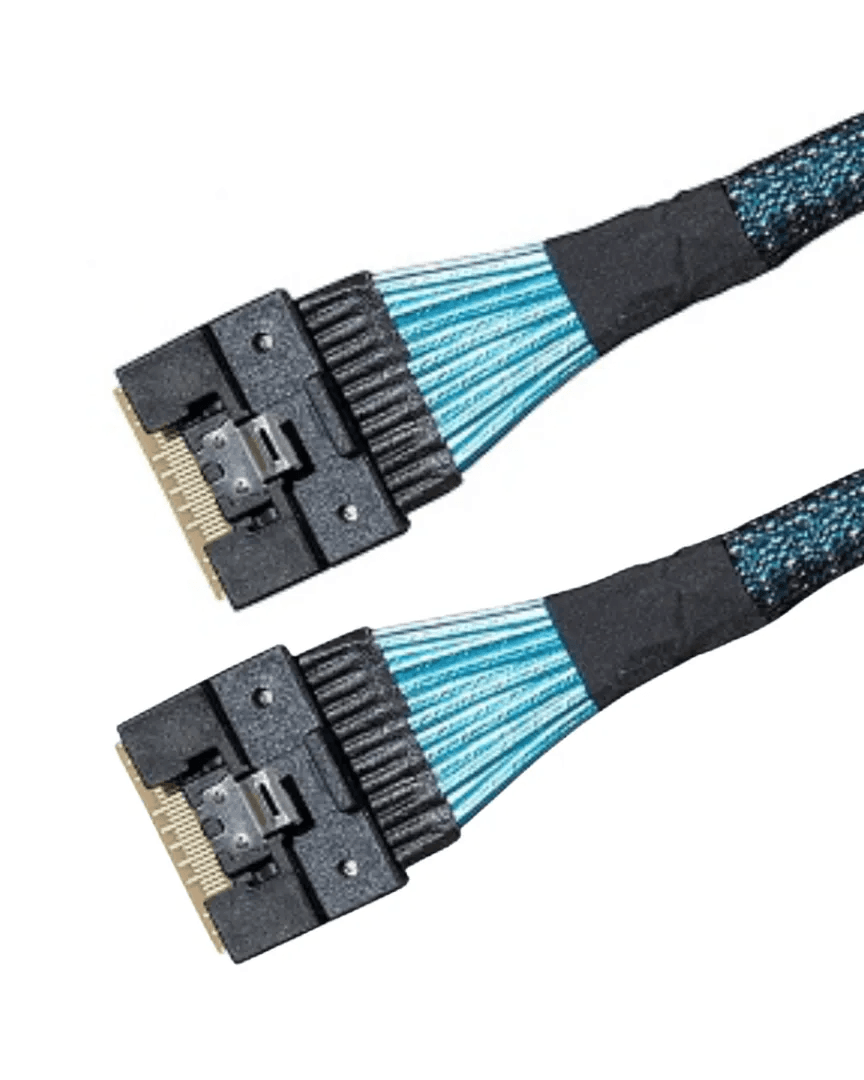
SlimSAS 8i To SlimSAS 8i Cables For PCIe Gen4
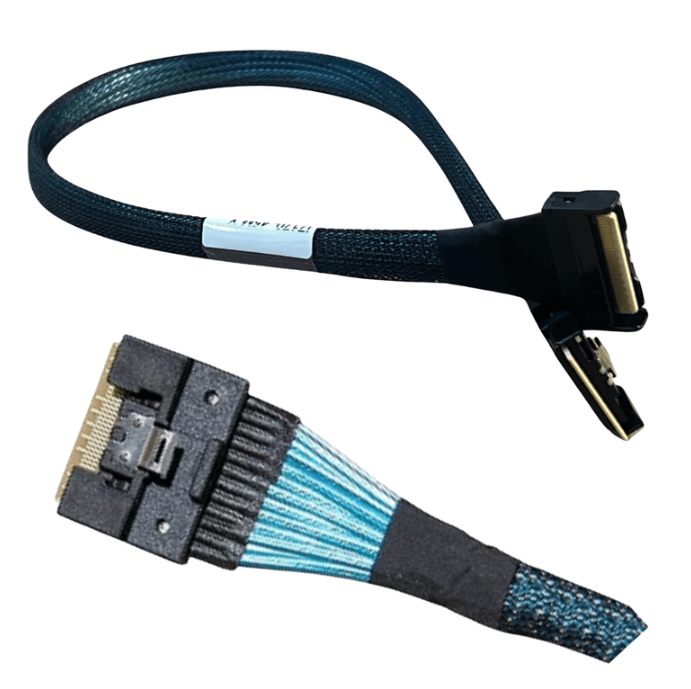
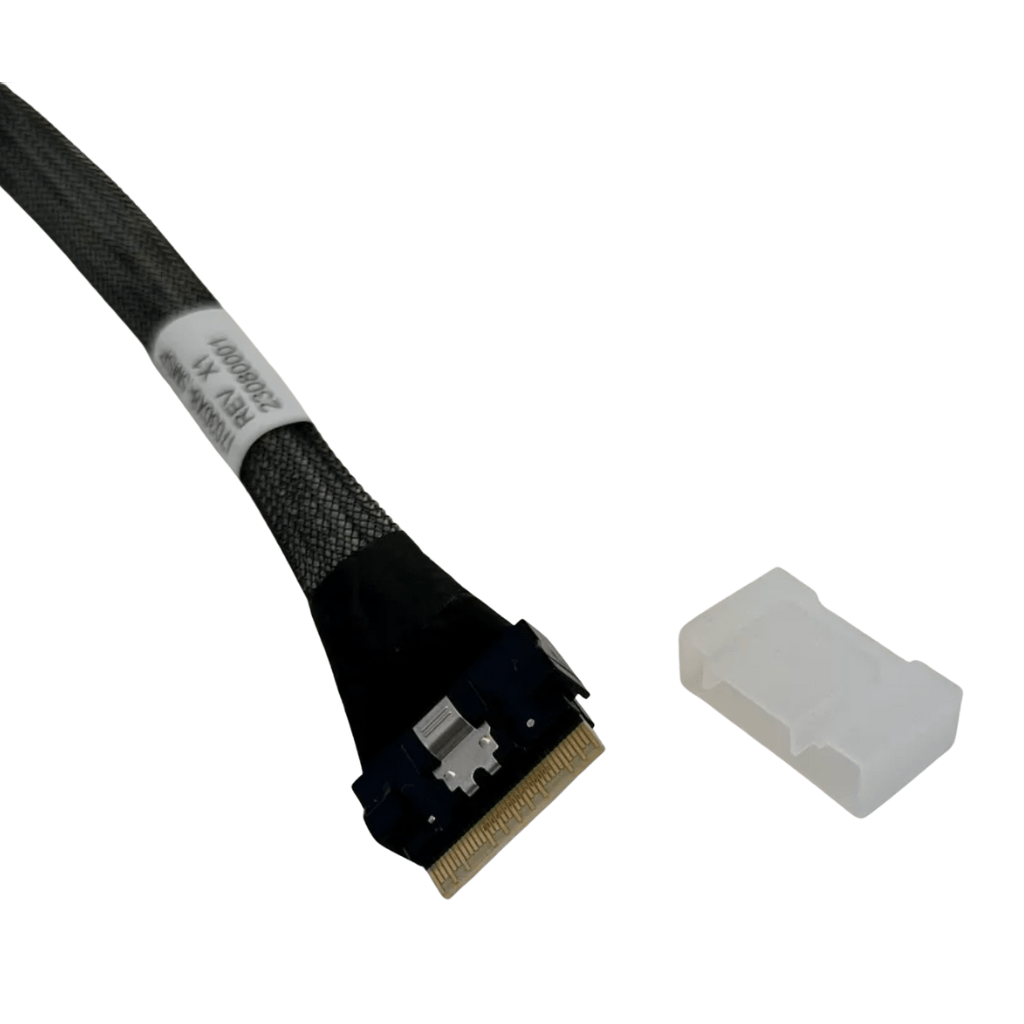
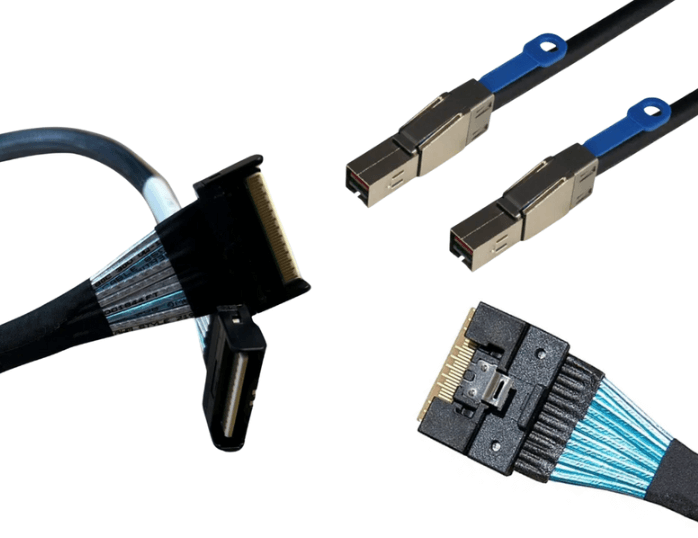
SlimSAS 8i to SlimSAS 8i cables provide high-speed point-to-point connectivity between compatible SlimSAS 8i interfaces in servers, storage systems, and PCIe platforms. Designed for compact internal routing, these cable assemblies support reliable signal transmission while helping reduce cable bulk in high-density hardware environments. They are commonly used to connect host adapters, backplanes, storage controllers, and other compatible system components.
Understanding SlimSAS 8i Connectivity
SlimSAS 8i is a compact internal connector configuration designed for high-speed PCIe connectivity. The 8i designation represents an eight-lane interface, allowing the cable to support multiple PCIe lanes through a compact connector assembly.
A SlimSAS 8i to SlimSAS 8i cable provides a direct connection between two compatible interfaces. This point-to-point configuration can simplify internal connectivity between PCIe devices while reducing the space required for larger cable assemblies.
PCIe Gen4 Connectivity
PCIe Gen4 provides higher signaling performance than previous PCIe generations, making appropriate cable construction important for maintaining reliable communication. SlimSAS 8i cables designed for PCIe Gen4 applications provide an internal interconnect between compatible host and endpoint hardware.
Actual link performance depends on the connected devices, PCIe configuration, cable specifications, and overall system design. Both ends should support the intended PCIe generation and lane configuration.
High-Speed Signal Transmission
PCIe Gen4 connections require controlled electrical characteristics throughout the transmission path. Cable construction, connector quality, impedance control, and routing can all affect signal integrity.
Keeping the cable properly routed can help reduce unnecessary mechanical stress and maintain the physical characteristics of the assembly. Sharp bends, excessive pulling, and pressure near the connectors should be avoided.
Compact Internal Cable Design
One of the practical benefits of SlimSAS 8i connectivity is its compact connector footprint. This makes the cable suitable for densely populated server and storage chassis where internal space is limited.
A compact cable assembly can simplify routing around storage devices, expansion hardware, backplanes, and other components while helping reduce cable congestion.
Applications In Servers And Storage
SlimSAS 8i to SlimSAS 8i cables can be used in compatible enterprise computing and storage platforms. The product description identifies applications including servers, storage systems, and enterprise computing platforms.
Typical connection points can include host adapters, storage controllers, backplanes, and other compatible PCIe components.
Compatibility Considerations
Before installation, verify that both connected components use compatible SlimSAS 8i interfaces and support the intended PCIe Gen4 configuration.
Connector compatibility alone does not guarantee complete system compatibility. Users should also confirm PCIe lane configuration, supported generation, system requirements, and the specifications of the connected hardware.
Cable Routing In High-Density Systems
Proper internal cable routing is particularly important in servers and storage platforms with limited chassis space. The cable should be positioned to avoid interference with other components and maintain adequate access for installation and maintenance.
Organized routing can also help prevent unnecessary strain on the connectors and reduce cable congestion around airflow paths.
Common Applications
- PCIe Gen4 Servers
- Enterprise Storage Systems
- Storage Controllers
- PCIe Host Adapters
- Storage Backplanes
- Enterprise Computing Platforms
- High-Density Internal Systems
- Compatible PCIe Devices
Best Practices For Deployment
Select a cable length appropriate for the internal chassis layout. Avoid excessive slack while leaving enough cable for proper connector alignment and equipment servicing.
Fully seat both SlimSAS 8i connectors before operation and avoid pulling directly on the cable during removal. After installation, verify the PCIe link speed and lane width supported by the connected system.
FAQ (Frequently Asked Questions)
1. What Is A SlimSAS 8i To SlimSAS 8i Cable Used For?
It provides a direct internal PCIe connection between compatible SlimSAS 8i interfaces in servers, storage systems, and PCIe platforms.
2. Does This Cable Support PCIe Gen4?
Yes. The product is specified for PCIe Gen4 applications when used with compatible hardware.
3. What Devices Can Use SlimSAS 8i Cables?
Compatible applications include host adapters, storage controllers, backplanes, servers, and enterprise storage systems.
4. Why Is SlimSAS 8i Useful In High-Density Systems?
Its compact connector design helps simplify internal cable routing and reduce cable bulk in densely populated hardware environments.