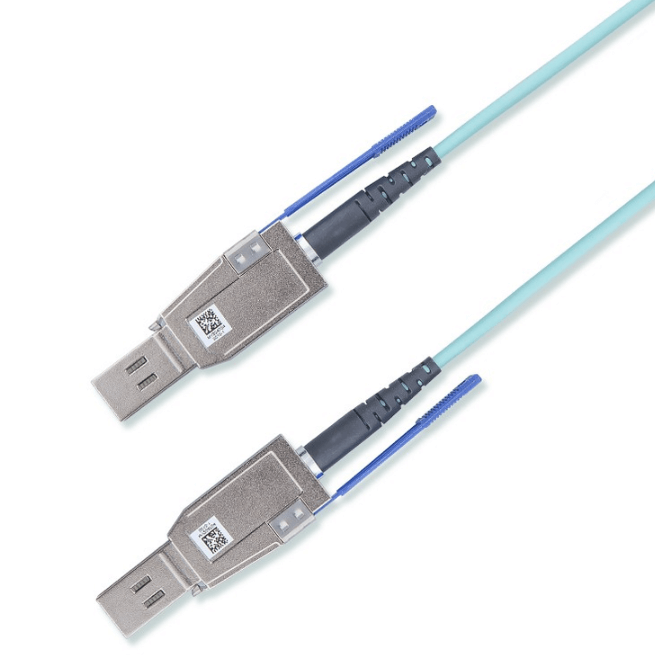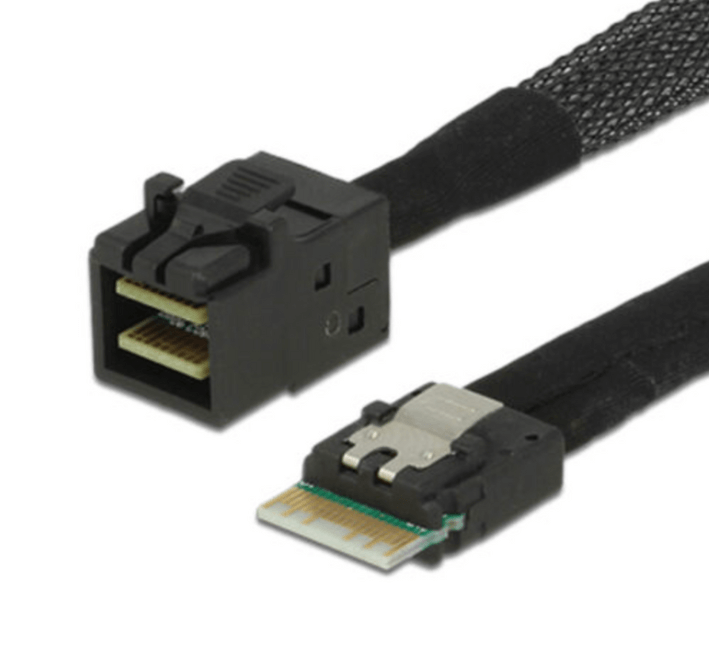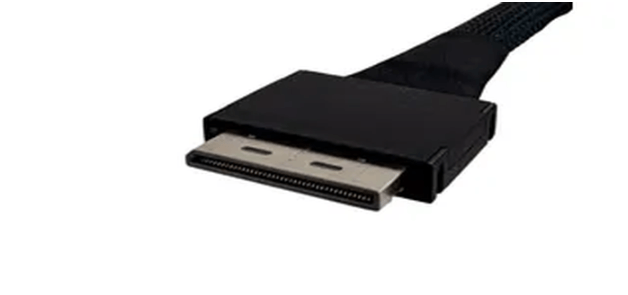
How Do OCuLink 8x To Dual 4x Breakout Cables Scale PCIe Devices Without Adding Ports?
As PCIe 5.0 platforms deliver more bandwidth per lane, many systems are limited not by throughput, but by the number of available physical ports. CPUs and host adapters may expose a small number of high lane count connectors even though unused PCIe lanes remain available. OCuLink 8x to dual 4x breakout cables address this constraint by allowing a single eight lane OCuLink port to support two independent PCIe devices without adding host cards or redesigning the platform.
OCuLink Lane Breakout Fundamentals
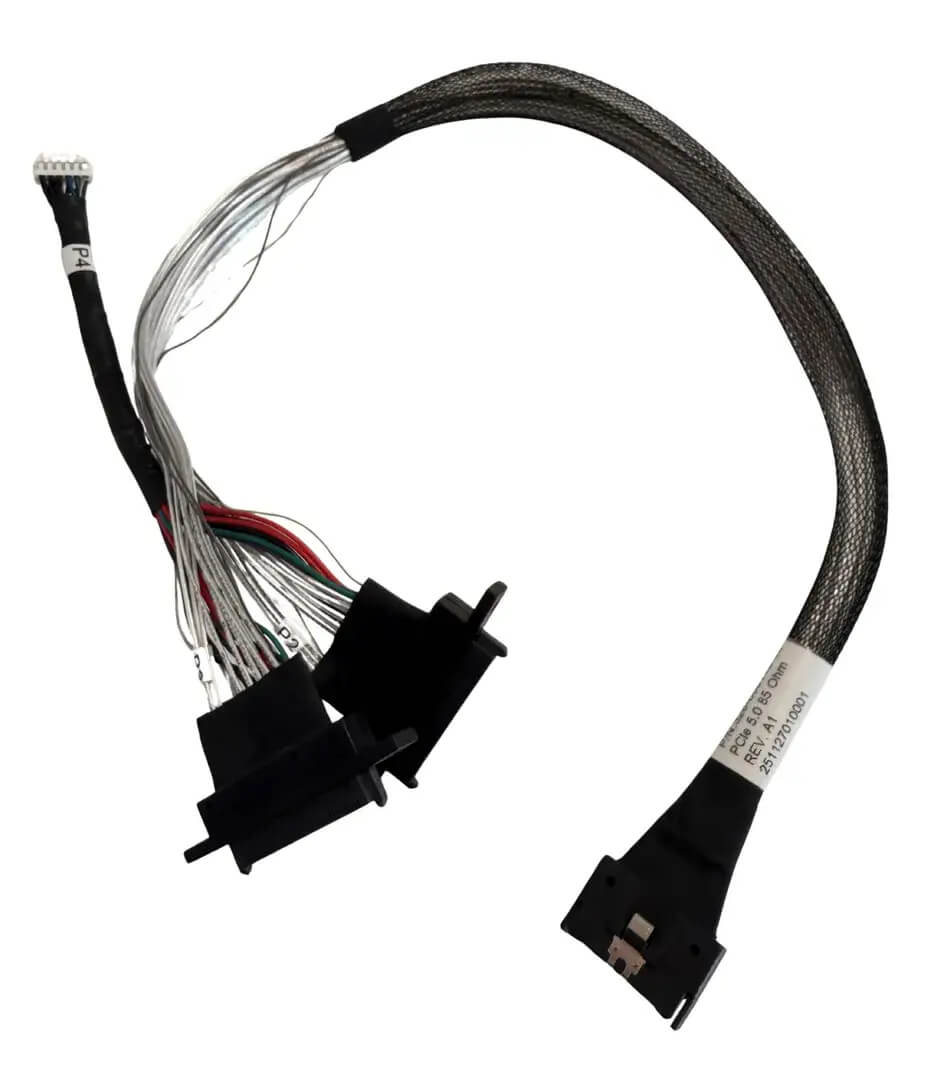
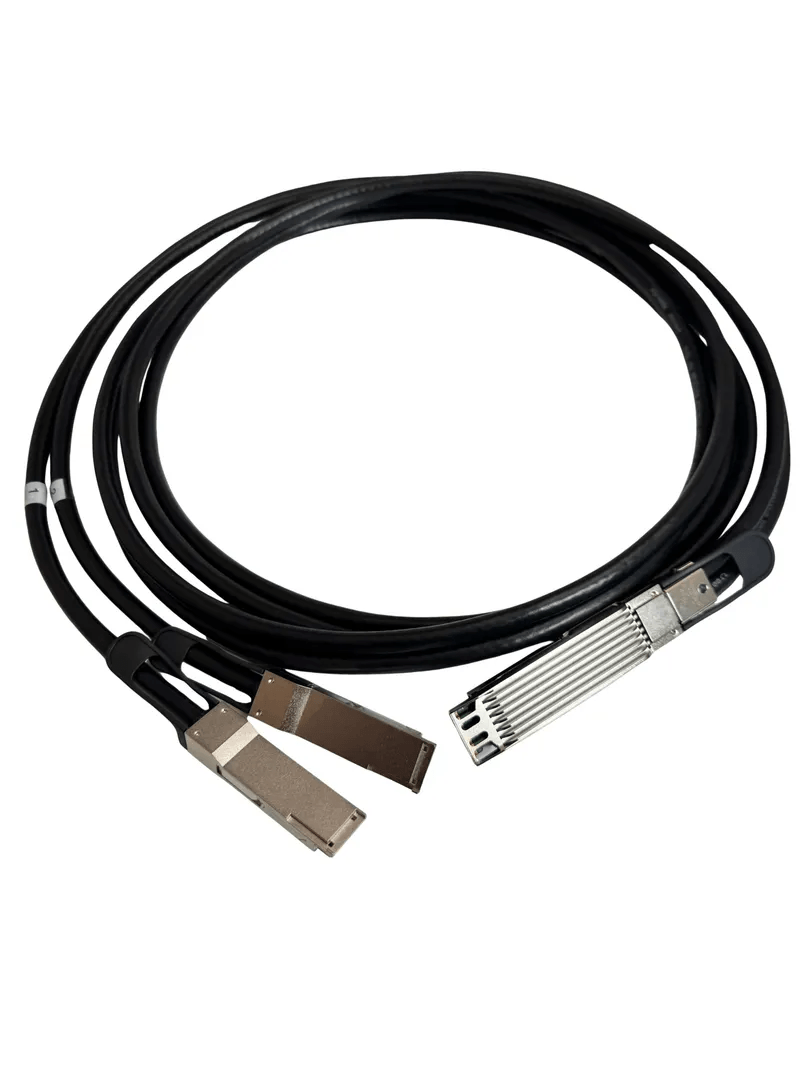
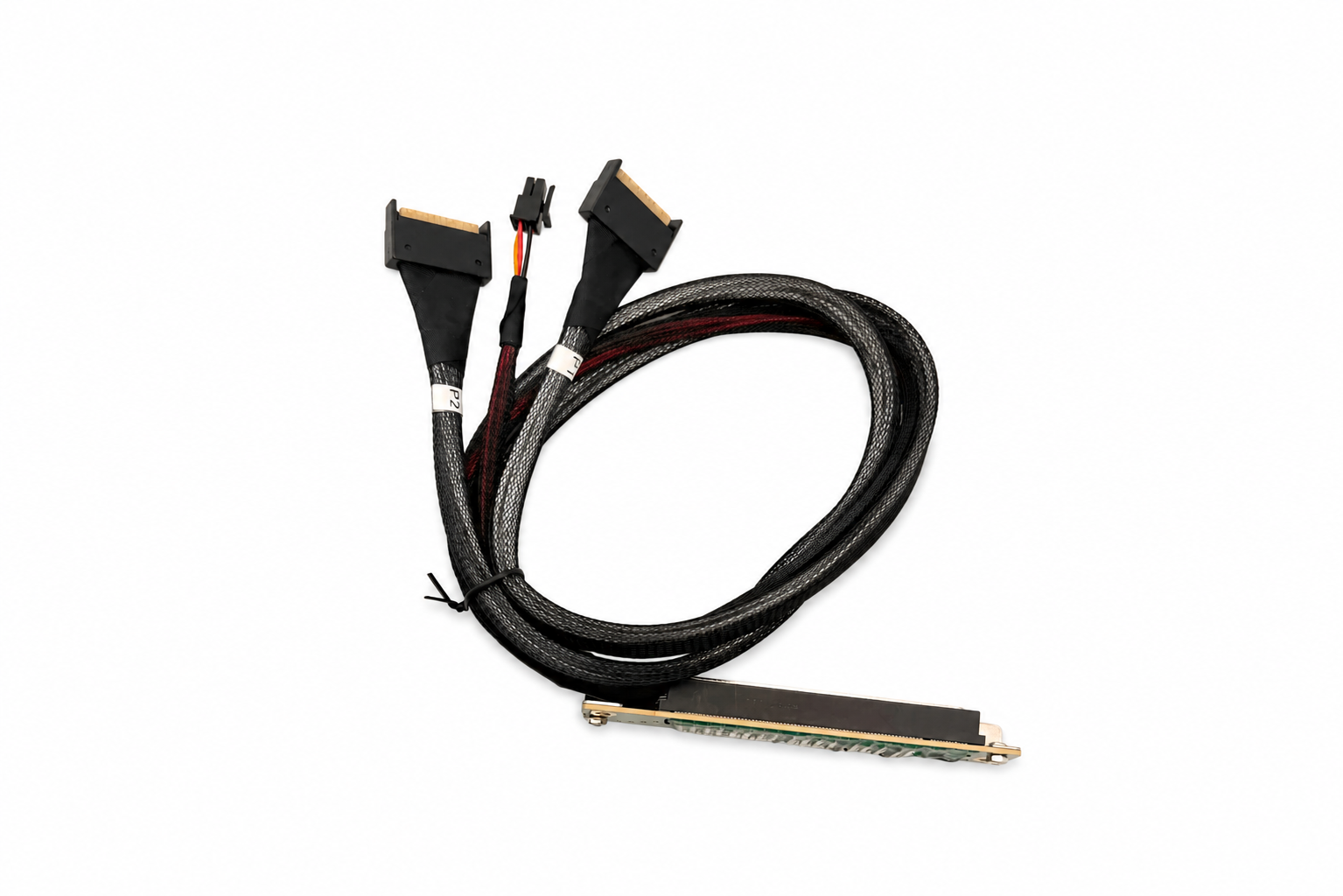
OCuLink is a short reach PCIe cabling standard designed for direct, point to point connections between hosts and devices. An OCuLink 8x interface carries eight PCIe lanes from the host. A dual 4x breakout cable maps these lanes into two separate four lane links, each operating as its own PCIe connection.
This is not a passive electrical split. Lane assignments are fixed and carefully routed so that each downstream connector receives a dedicated set of lanes. When the host platform supports bifurcation, it enumerates two x4 endpoints exactly as if they were connected to two native ports.
Port Density Without Additional Hardware
The primary advantage of an 8x to dual 4x breakout cable is increased device count without additional PCIe slots, switches, or adapters. By dividing one high lane count port into two usable connections, system designers can attach more devices while staying within tight space, power, and cost constraints.
This approach is especially effective in compact servers, edge systems, and storage nodes where adding another host adapter is not practical.
Matching Lane Width to Real Workloads
Many modern PCIe devices do not require a full x8 link to operate at peak efficiency. NVMe storage devices, for example, are commonly designed for x4 connectivity. With PCIe 5.0 speeds, a single x4 link often provides more bandwidth than the device can realistically consume.
By converting one x8 port into two x4 connections, designers improve overall lane utilization and avoid wasting bandwidth on oversized links.
Signal Integrity at PCIe 5.0 Speeds
At PCIe 5.0 data rates, cable quality is critical. OCuLink breakout cables must maintain controlled impedance, low insertion loss, and tight lane length matching across all conductors. Each x4 branch must meet PCIe electrical requirements independently to avoid retraining or speed fallback.
High quality breakout assemblies are engineered to preserve eye margin on both downstream links, even in dense chassis layouts where routing space is limited.
Cable Length and Routing Benefits
Defined cable lengths such as 0.5 m and 1 m support clean internal routing without excess slack. Proper length selection reduces airflow obstruction, minimizes mechanical stress, and simplifies service access. Clean routing also helps preserve long term electrical stability by avoiding tight bends and cable strain.
Common Deployment Scenarios
OCuLink 8x to dual 4x breakout cables are commonly used in:
-
High density NVMe storage nodes
-
Compact edge servers with limited expansion
-
PCIe switch free architectures
-
Test and validation platforms with flexible device layouts
These environments benefit from higher device density without added platform complexity.
Platform and Firmware Requirements
Successful use of an OCuLink breakout cable depends on host support for lane bifurcation. The platform must be capable of splitting an x8 port into two x4 links at the firmware or BIOS level. Without this support, devices may not enumerate correctly.
Breakout cables should also not be used when a downstream device requires the full x8 link width, as doing so would limit performance.
Design Tradeoffs and Limitations
While breakout cables increase port count, they trade maximum per device bandwidth for flexibility. This tradeoff is acceptable when devices are designed for x4 operation, but not for accelerators or GPUs that expect a full x8 link. Understanding device requirements is essential when choosing between full width and breakout connectivity.
FAQ (Frequently Asked Questions)
What is an OCuLink 8x to dual 4x breakout cable used for?
It splits one eight lane OCuLink PCIe port into two independent four lane connections, allowing more devices to connect without adding ports.
Does using a breakout cable reduce PCIe performance?
No, each x4 connection operates at full bandwidth for that lane width when the host supports proper bifurcation.
What devices are best suited for x4 breakout connections?
NVMe storage devices, x4 PCIe expansion modules, and other devices designed for four lane operation.
Does the host system need special support?
Yes, the host must support PCIe bifurcation or native OCuLink lane splitting for correct device enumeration.