What Should Installers Know About PCIe 4.0 Backplanes
PCIe 4.0 backplanes are quickly becoming standard in modern servers and storage systems as Gen 3 infrastructure can no longer keep up with bandwidth demands. With data rates reaching 16 GT per second per lane, PCIe Gen 4 enables faster NVMe storage, GPU acceleration, and low-latency workloads. For installers and system integrators, however, these gains come with stricter requirements around cabling, routing, airflow, and configuration.
Why PCIe 4.0 Backplanes Matter
A backplane is the central interconnect that links drives, accelerators, and expansion devices to the host. In a PCIe Gen 4 system, the backplane must preserve signal integrity well enough for devices to operate at full speed without downshifting.
PCIe 4.0 backplanes are especially important in:
-
NVMe-heavy storage platforms
-
AI and machine learning systems
-
High performance compute nodes
-
Dense virtualized server environments
Without a Gen 4 capable backplane, the performance benefits of modern devices are often limited or lost entirely.
Signal Integrity Becomes Critical
At 16 GT per second, PCIe signaling margins are tight. Small issues that were acceptable at Gen 3 can cause instability at Gen 4.
Installers should pay close attention to:
-
Proper connector seating and alignment
-
Cable routing and minimum bend radius
-
Reducing unnecessary connectors or adapters
-
Avoiding long parallel runs near power cables
Signal integrity problems often appear as intermittent device detection, reduced negotiated link speeds, or unexplained performance drops.
Cabling must be Explicitly Gen 4 Rated
Not every cable that physically fits is suitable for PCIe 4.0.
Before installation, verify that:
-
Cables are rated and tested for PCIe Gen 4
-
Connector types match the backplane ports
-
Lane counts align with the device and controller
-
Cable lengths stay within recommended limits
Using Gen 3 rated cables in a Gen 4 backplane is one of the most common causes of installation failures.
Airflow and Thermal Planning are Essential
PCIe 4.0 devices typically draw more power and generate more heat than earlier generations. Backplanes concentrate multiple high-speed links in a small area, increasing thermal density.
Best practices include:
-
Keeping cable bundles out of primary airflow paths
-
Using low-profile or right-angle connectors when clearance is limited
-
Ensuring fans and heat sinks are not obstructed
-
Verifying airflow under sustained, full-load conditions
Thermal issues can reduce signal margin and cause problems that look electrical but are actually heat related.
Firmware and BIOS Configuration Matters
Many platforms require explicit configuration to enable PCIe Gen 4 operation.
Installers should:
-
Update motherboard and backplane firmware
-
Confirm PCIe Gen 4 is enabled in BIOS or UEFI
-
Verify lane bifurcation settings where applicable
-
Check that devices are training at Gen 4 speeds
A system may support Gen 4 hardware but default to Gen 3 until configured correctly.
Connector Standards are Evolving
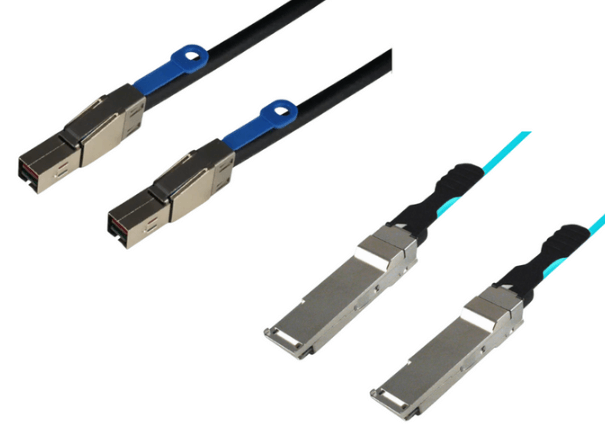
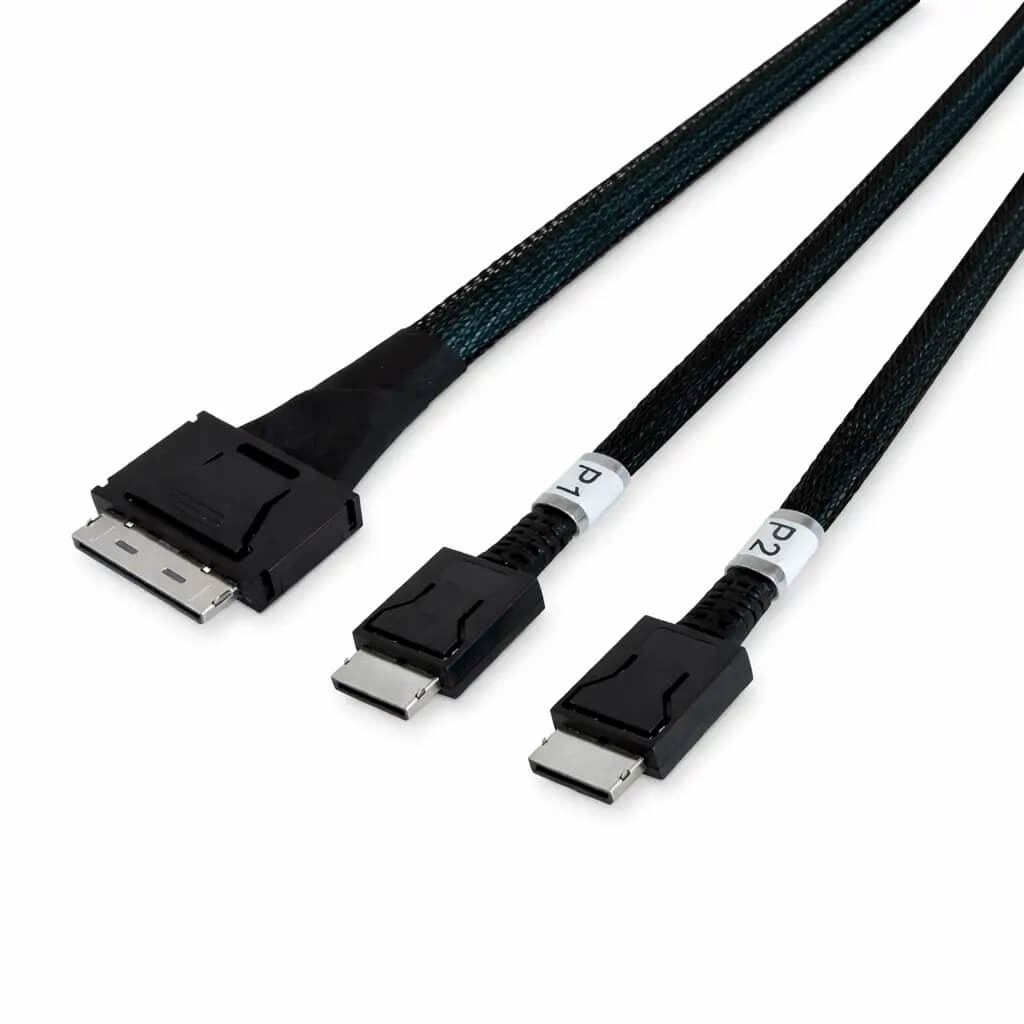
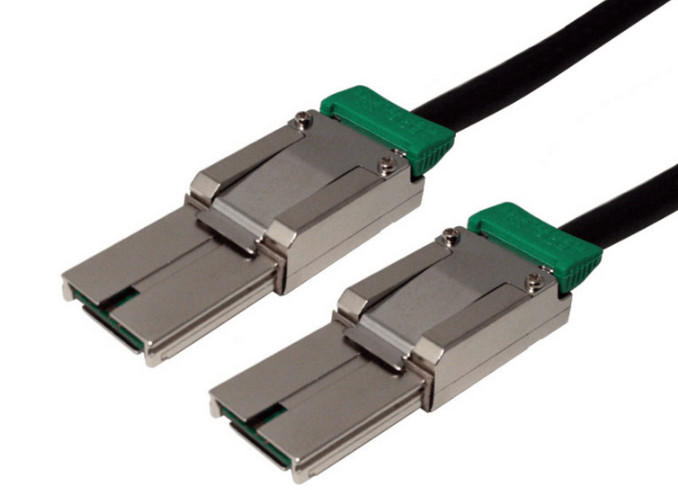
While some PCIe 4.0 backplanes still use HD MiniSAS, many newer designs have moved to SlimSAS or MCIO connectors.
Installers should understand that:
-
SlimSAS offers better density and Gen 4 readiness
-
MCIO is optimized for Gen 4 and Gen 5 scalability
-
Connector choice affects cable availability and future upgrades
Knowing which connector standard a backplane uses helps prevent compatibility mistakes during installation.
Cable Length Discipline is More Important than Ever
Even with high-quality components, cable length directly impacts Gen 4 reliability.
General guidelines include:
-
Keeping passive cable runs as short as possible
-
Avoiding excess slack or looping
-
Routing cables cleanly and directly
When longer distances are unavoidable, active cables or retimers may be required to maintain signal integrity.
Validation after Installation is Critical
A PCIe 4.0 backplane installation should always be verified before deployment.
Post-install checks should include:
-
Confirming negotiated link speeds
-
Stress testing under sustained workloads
-
Monitoring error counters and system logs
-
Observing thermal behavior over time
Early validation reduces troubleshooting time and prevents field failures.
When PCIe 4.0 Backplanes Deliver the Most Value
PCIe 4.0 backplanes deliver their full benefit only when the entire system is designed and installed with Gen 4 requirements in mind. Mixing Gen 4 hardware with legacy cabling or poor routing often negates the advantages.
For installers who respect signal integrity, airflow, cabling quality, and configuration requirements, PCIe 4.0 backplanes unlock substantial performance gains.
FAQ (Frequently Asked Questions)
Can PCIe 4.0 backplanes work with Gen 3 devices?
Yes. PCIe is backward compatible, but devices will operate at their native speed.
Is HD MiniSAS always unsuitable for PCIe 4.0?
Not always, but it must be specifically rated for Gen 4 and may limit future scalability.
Do PCIe 4.0 backplanes require special power?
The backplane itself typically does not, but connected devices may require higher power and better cooling.
Why do some Gen 4 systems fall back to Gen 3 speeds?
This is usually caused by cable quality, routing issues, firmware settings, or signal integrity problems.