How Do You Avoid Bottlenecks In PCIe Gen 4.0 Storage Builds?
PCIe Gen 4.0 delivers 16 GT per second per lane, but reaching that performance in real systems requires more than fast drives. Bottlenecks usually appear where lanes are oversubscribed, signal integrity is marginal, or upstream links quietly limit throughput. Avoiding these issues requires treating the storage path as a complete system rather than a collection of fast components.
Start by Mapping The Entire Data Path
The most effective way to prevent bottlenecks is to map the full path from storage device to CPU memory. This includes:
-
NVMe or SAS drive
-
Backplane or riser
-
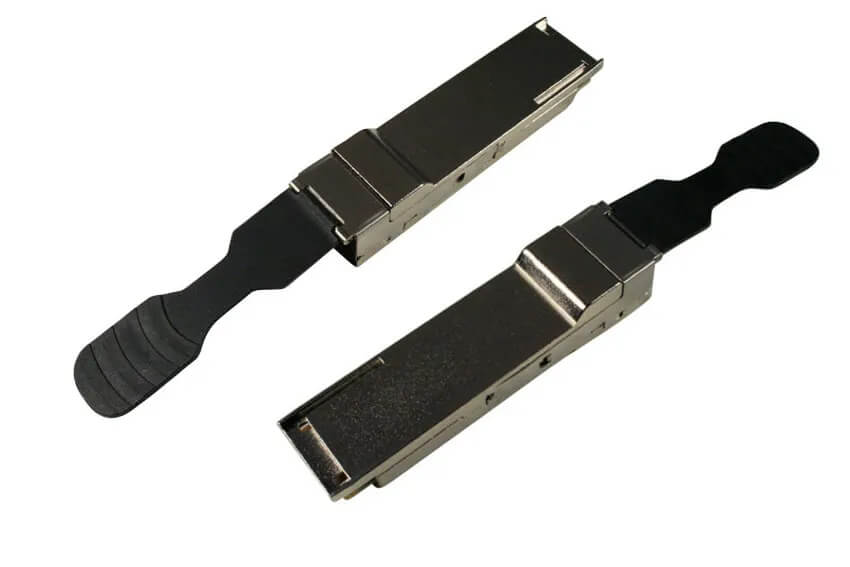
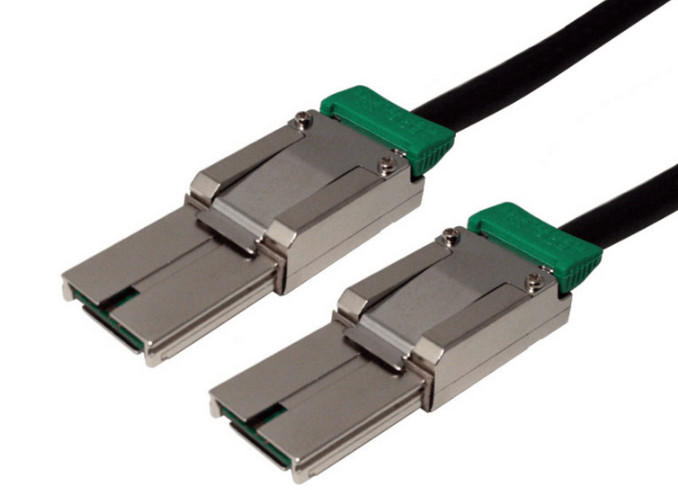
Connector and cable
-
Controller or PCIe switch
-
Motherboard routing
-
CPU, chipset, and interconnect links
A single Gen 3 or x4 constrained link anywhere in this chain can cap performance, even if everything else supports Gen 4.
Match Lane Counts to Aggregate Drive Bandwidth
Oversubscription is one of the most common causes of PCIe Gen 4 bottlenecks.
Each PCIe Gen 4 lane provides roughly 2 GB per second of usable bandwidth. If multiple NVMe drives share a link, their combined throughput must not exceed the lane capacity feeding them.
Examples of common mistakes include:
-
Connecting multiple x4 NVMe drives behind a single x8 uplink
-
Using a Gen 4 x16 slot but routing it through a Gen 3 upstream link
-
Assuming a backplane provides dedicated lanes per drive when it does not
Always confirm how lanes are allocated and shared.
Verify Backplanes and Risers are Truly Gen 4 Capable
Backplanes and risers are frequent hidden bottlenecks. Even if they physically fit Gen 4 systems, they may not be electrically qualified for 16 GT per second signaling.
Check for:
-
Explicit PCIe Gen 4 validation
-
Proper lane mapping documentation
-
Signal integrity testing at target lengths
A Gen 3 rated backplane can force the entire link to downshift, regardless of drive capability.
Use Cables Rated for PCIe Gen 4 Signal Integrity
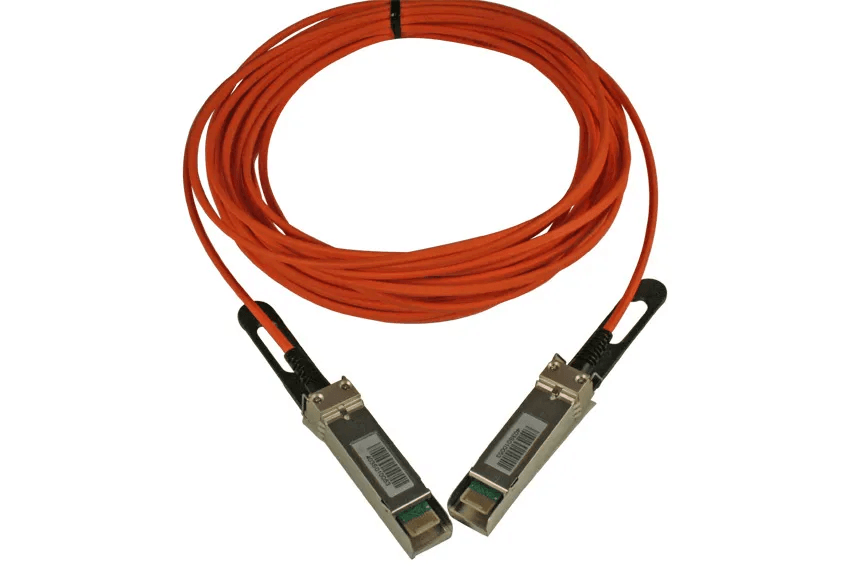
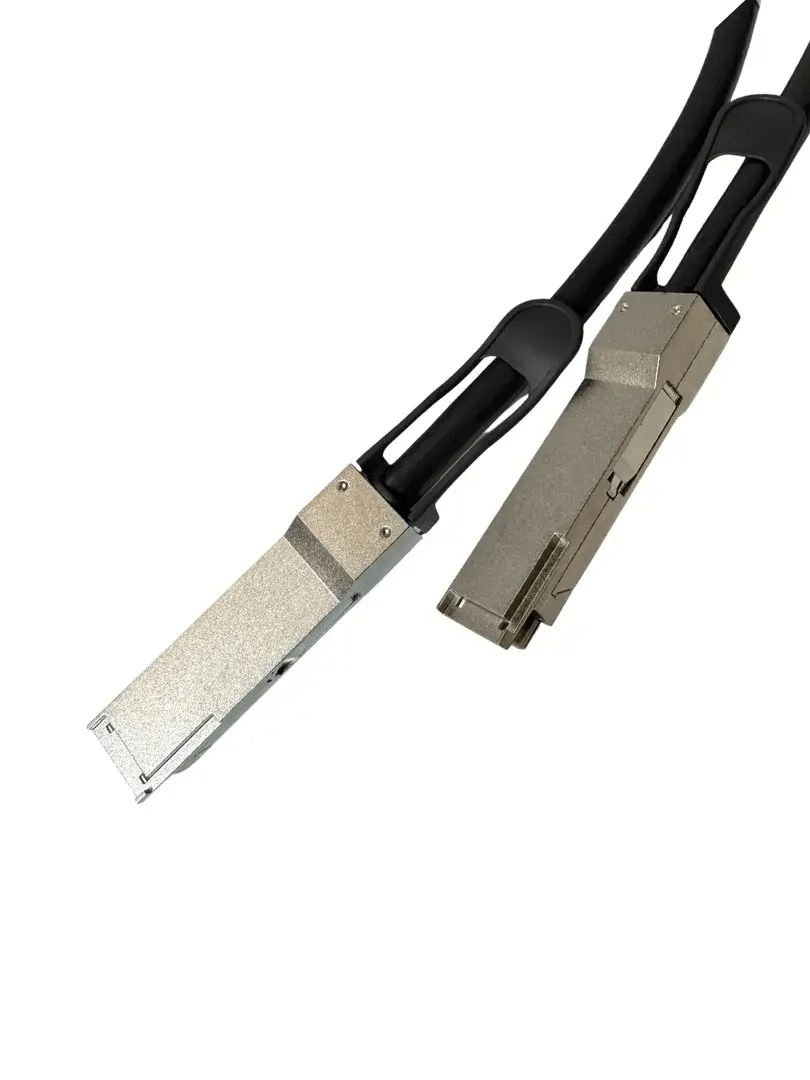
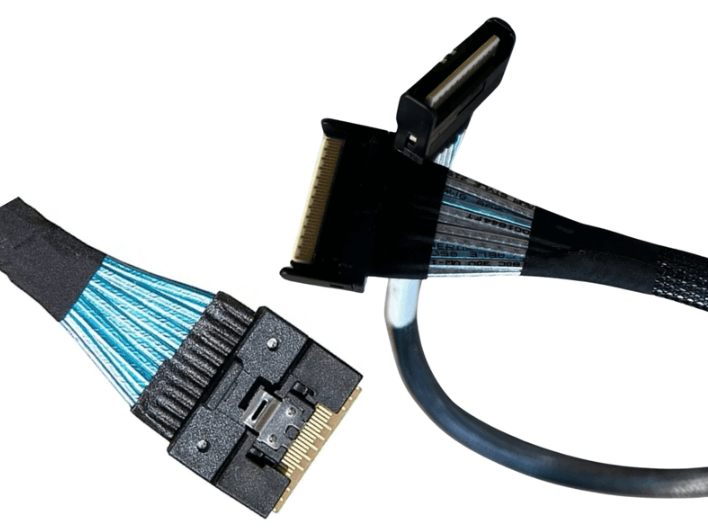
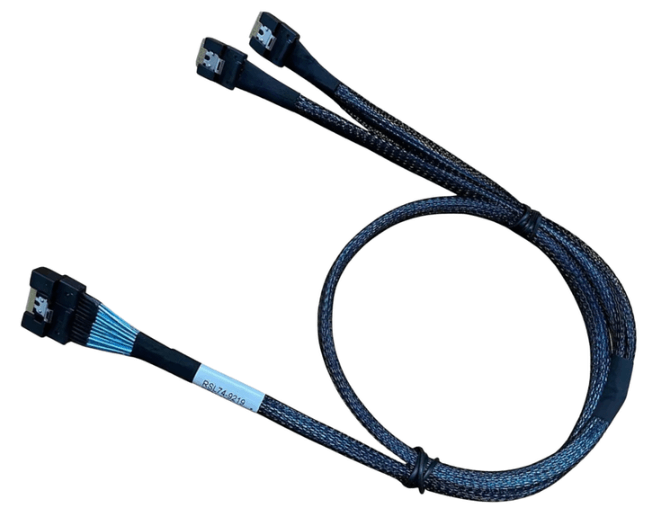
Cabling quality matters at Gen 4 speeds. Poor insertion loss, impedance mismatch, or inadequate shielding can cause link retraining or error correction that reduces throughput.
To avoid this:
-
Use cables explicitly tested for PCIe Gen 4
-
Keep cable lengths as short as practical
-
Avoid tight bends and connector strain
-
Ensure breakouts and intermediate connections also support Gen 4
A system that looks fine at idle can throttle under load if the physical channel is marginal.
Pay Attention to BIOS and Firmware Lane Configuration
Many platforms support PCIe lane bifurcation and dynamic allocation. Incorrect BIOS or UEFI settings can silently limit performance.
Common issues include:
-
Slots forced into x8 or x4 mode
-
Disabled bifurcation for multi drive risers
-
Shared lanes with onboard devices reducing available bandwidth
Always review firmware settings when expected throughput is not achieved.
Watch for Chipset and Interconnect Limitations
Not all PCIe lanes are equal. Lanes routed through the chipset often share a single upstream link to the CPU.
If multiple Gen 4 devices funnel into a chipset connection that uses a Gen 3 or limited width link, a bottleneck is unavoidable.
High performance storage builds should prioritize direct CPU lanes for critical devices and reserve chipset lanes for lower bandwidth components.
Minimize Unnecessary PCIe Switches and Adapters
PCIe switches enable flexibility, but they also introduce latency and consume bandwidth if misused.
Avoid excessive switching layers unless they are required for fan out. When switches are used, verify:
-
The uplink width and generation
-
Non blocking architecture
-
Adequate cooling and firmware support
A poorly chosen switch can become a choke point in an otherwise fast system.
Optimize Cable Layout for Signal Stability
Even with Gen 4 rated components, poor layout can reduce usable bandwidth.
Best practices include:
-
Short, direct cable routes
-
Gentle bend radius throughout the run
-
Separation from power cables and noise sources
-
Clean strain relief at connectors
Stable signal integrity prevents error correction and retraining events that reduce effective throughput.
Validate Performance under Real Workloads
Synthetic benchmarks can hide bottlenecks that appear under sustained load.
Test with:
-
Concurrent drive access
-
Long duration sequential and random workloads
-
Elevated operating temperatures
If performance drops over time, thermal or signal margin issues are often the cause.
Plan with Headroom, not Just Minimum Specs
A system designed to barely meet Gen 4 requirements is more likely to bottleneck as conditions change.
Leave margin by:
-
Using higher quality cables than the minimum
-
Avoiding maximum length runs
-
Choosing backplanes and risers with proven Gen 4 performance
Headroom improves reliability and reduces troubleshooting later.
Common Bottleneck Sources to Double Check
Before assuming drives are the problem, confirm:
-
Lane oversubscription
-
Backplane generation rating
-
Cable quality and length
-
BIOS lane configuration
-
Chipset versus CPU lane routing
Most Gen 4 storage bottlenecks trace back to one of these areas.
FAQ (Frequently Asked Questions)
Can Gen 3 components limit a Gen 4 storage build?
Yes. Any Gen 3 link in the path will cap throughput regardless of drive speed.
Do cables really cause bottlenecks at Gen 4 speeds?
Yes. Poor signal integrity can force link downshifts or heavy error correction.
Is x16 always better than x8 for storage?
Only if the workload and devices can use the extra lanes. Unused lanes provide no benefit.
Why does performance look fine in benchmarks but not in production?
Sustained load, temperature, and concurrency expose marginal links that short tests may miss.