How SlimSAS Breakout Cables Work For SATA, SAS, And U.2 Drives
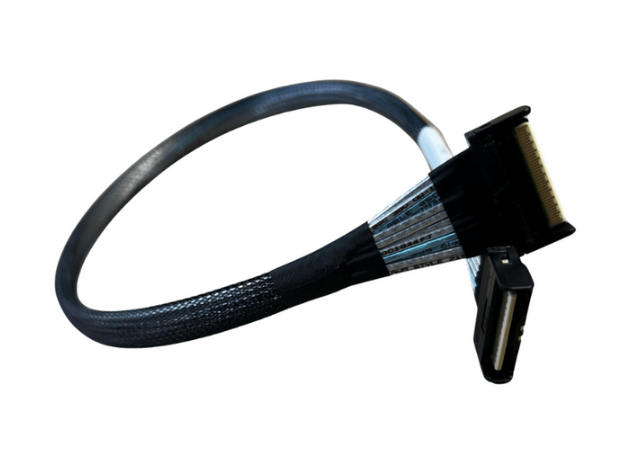
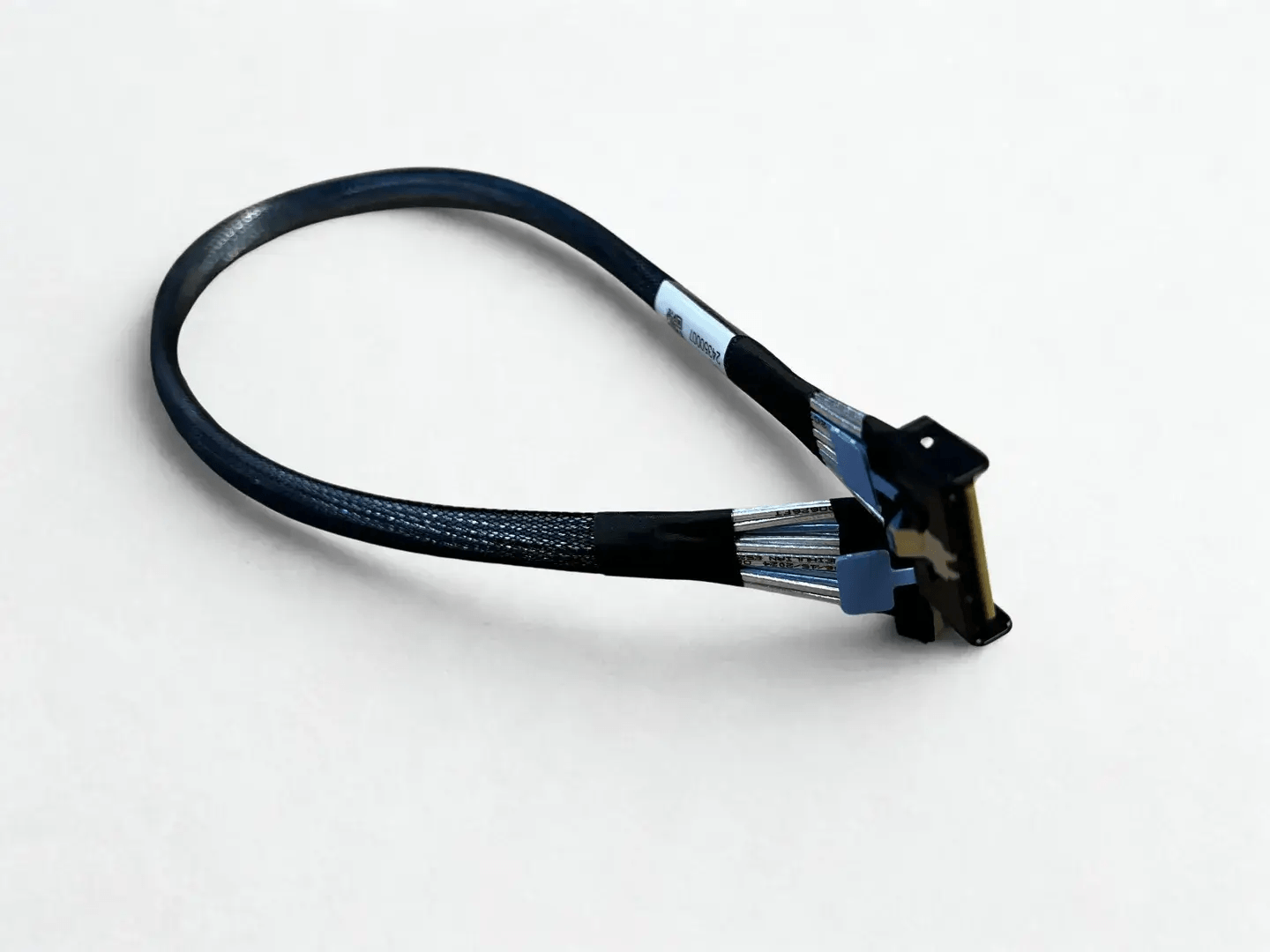
SlimSAS breakout cables are used to distribute multiple high speed lanes from a single SlimSAS host port to multiple storage devices or downstream interfaces. They are a critical component in modern server and storage designs, allowing system architects to maximize port utilization while maintaining protocol correctness and signal integrity. Understanding how these breakout cables map lanes and protocols explains why the correct breakout type is essential for reliable operation.
What a SlimSAS Breakout Cable Actually Does
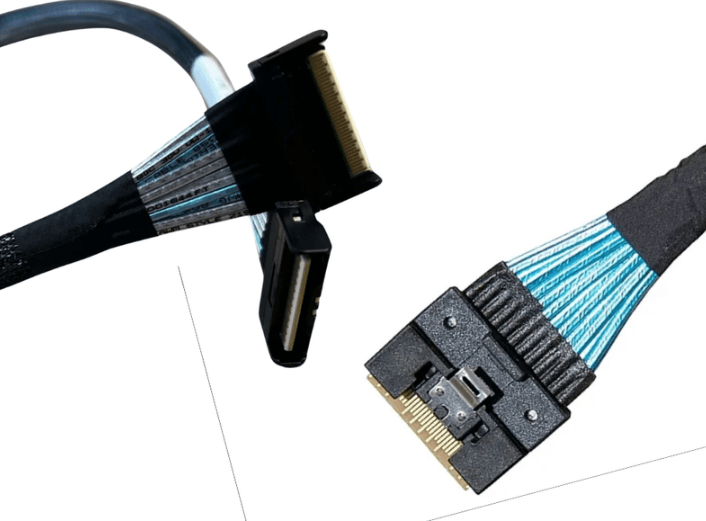
A SlimSAS breakout cable takes a multi lane SlimSAS interface, typically SlimSAS 4i or 8i, and routes individual lanes or lane groups to separate connectors. Electrically, no signal conversion occurs. The cable simply redistributes existing lanes from the host controller to the appropriate endpoints.
Because the cable does not translate protocols, the signaling type present at the SlimSAS port determines which kinds of devices can be connected. This is why breakout cables are protocol specific even when the physical connector looks similar.
Lane Structure and Host Port Behavior
SlimSAS 4i carries four high speed lanes, while SlimSAS 8i carries eight lanes. Each lane can support SAS, SATA, or PCIe signaling depending on the controller configuration.
The host controller determines how lanes are grouped and assigned. Breakout cables must match this lane mapping exactly. If the cable layout does not align with how the controller expects to see devices, the link will fail to initialize or devices will not be detected.
How SlimSAS to SATA Breakout Cables Work
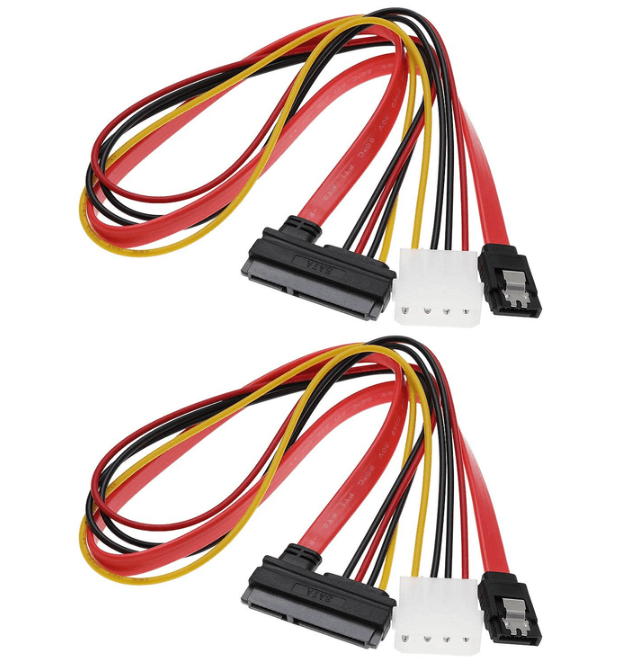
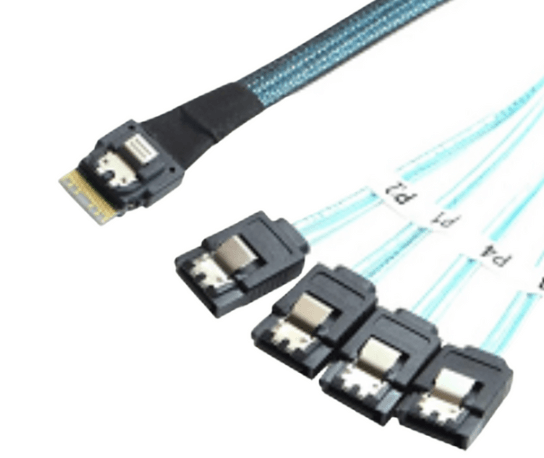
SlimSAS to SATA breakout cables are used when a SAS controller or HBA provides SATA compatible signaling. In these cables, each SATA connector receives a single lane from the SlimSAS port.
A SlimSAS 4i to SATA breakout typically supports four SATA drives. A SlimSAS 8i to SATA breakout supports eight SATA drives. The host controller must support SATA tunneling, which most SAS controllers do.
These breakouts are commonly used for dense SATA SSD or HDD arrays where maximizing drive count per controller port is the priority.
How SlimSAS to SAS Drive Breakout Cables Work
SlimSAS to SAS drive breakout cables route lanes to SAS drive connectors, often combined with power connectors in enterprise environments.
In this configuration, each SAS drive typically uses a single lane, although dual ported SAS drives may use two lanes for redundancy. A SlimSAS 8i to SAS breakout can therefore support multiple SAS drives depending on the topology and drive type.
These cables are used in systems built around SAS expanders, JBOD backplanes, or direct attach SAS drive configurations.
How SlimSAS to U.2 Breakout Cables Work
SlimSAS to U.2 breakout cables are used for NVMe storage and rely on PCIe signaling rather than SAS.
A common configuration is SlimSAS 8i to two U.2 connectors. In this case, the eight lanes are divided into two groups of four lanes, with each group routed to one U.2 NVMe drive. Each U.2 connector carries a full four lane PCIe link.
Because PCIe does not support lane sharing in the same way as SAS, lane grouping must be exact. A SlimSAS port configured for PCIe must be paired with a PCIe capable breakout cable and a compatible backplane or drive.
Protocol Compatibility is Critical
One of the most common mistakes with breakout cables is assuming that any SlimSAS breakout will work with any device type. In reality, the cable must match the protocol used by the host port.
SAS breakouts will not work with PCIe only NVMe ports. PCIe breakouts will not work with SAS only controllers. Even though the SlimSAS connector is the same, the electrical signaling is not interchangeable.
Always verify whether the SlimSAS port is configured for SAS, SATA, or PCIe before selecting a breakout cable.
Forward Versus Reverse Breakout Considerations
Breakout cables are directional. A forward breakout distributes lanes from a controller port to devices. A reverse breakout aggregates lanes from multiple devices into a single host port.
SlimSAS breakouts used for drives are almost always forward breakouts. Using a reverse breakout by mistake will prevent device detection and can be difficult to diagnose if the physical connectors appear correct.
Signal Integrity and Length Considerations
Breakout cables increase routing complexity because multiple branches are introduced. This makes signal integrity more sensitive to cable length, shielding quality, and routing discipline.
High speed breakouts used for PCIe Gen 4 or SAS 4.0 should be kept as short as possible and routed with careful attention to bend radius and strain relief. Poor routing can negate the benefits of a properly designed breakout cable.
Common Use Cases for SlimSAS Breakout Cables
SlimSAS breakout cables are widely used in:
-
High density SATA SSD or HDD arrays
-
Enterprise SAS storage systems
-
NVMe U.2 based servers
-
Hybrid platforms supporting SAS and NVMe
-
Space constrained 1U and 2U chassis
In each case, the breakout cable allows a single high bandwidth port to service multiple endpoints efficiently.
FAQ (Frequently Asked Questions)
Do SlimSAS breakout cables convert protocols?
No. They only redistribute existing lanes. Protocol conversion does not occur in the cable.
Can one SlimSAS breakout support mixed drive types?
No. All endpoints must match the protocol provided by the host port.
Why are SlimSAS 8i breakouts common for NVMe?
Because eight lanes can be split into two four lane PCIe links, which matches U.2 NVMe requirements.
Are breakout cables interchangeable between vendors?
Only if lane mapping, protocol support, and connector pinouts are identical.